Verify that the instance has been correctly created. Click on it and go to the Console tab. Since we used a cloud image, we can't access it via user and password, so we need to setup ssh connection to it.
-
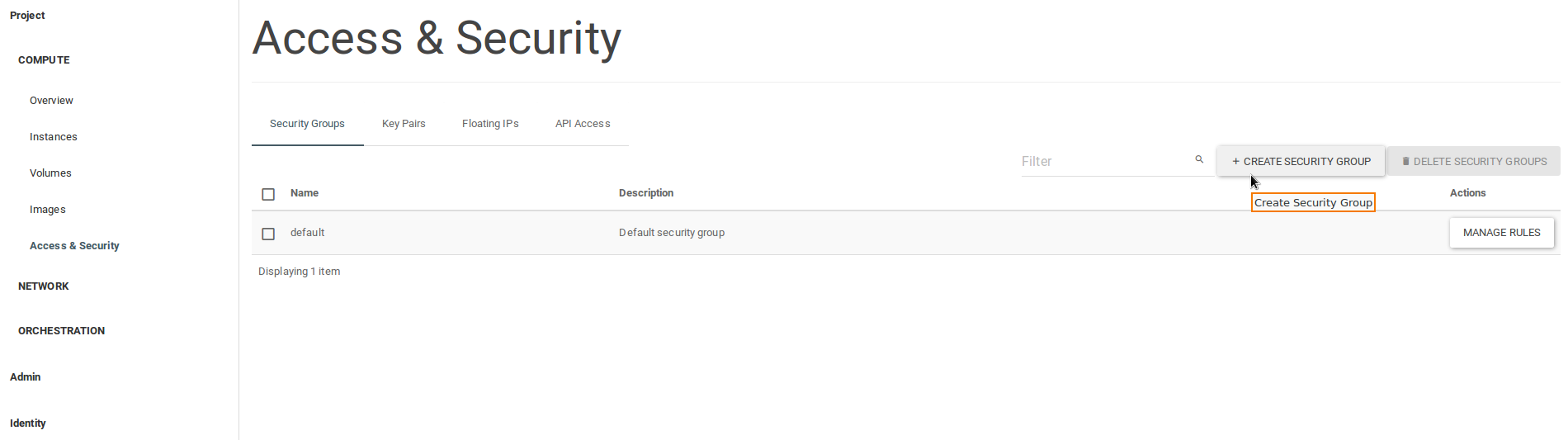
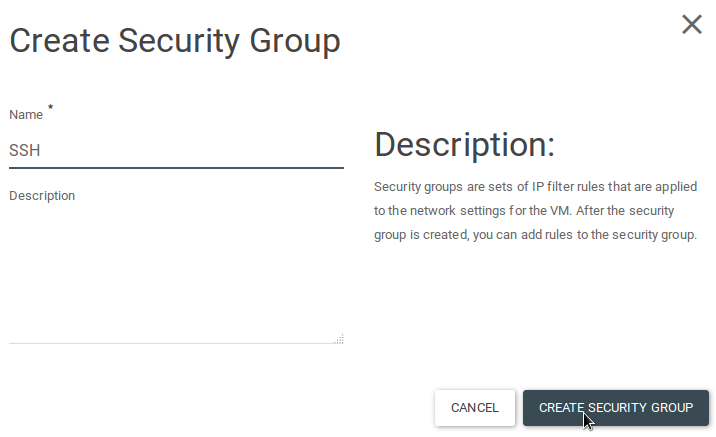
Go to Access & Security, click on Security groups tab and on Create security group.
-
Create one for SSH access and another one to allow ICMP to the virtual machine.
-
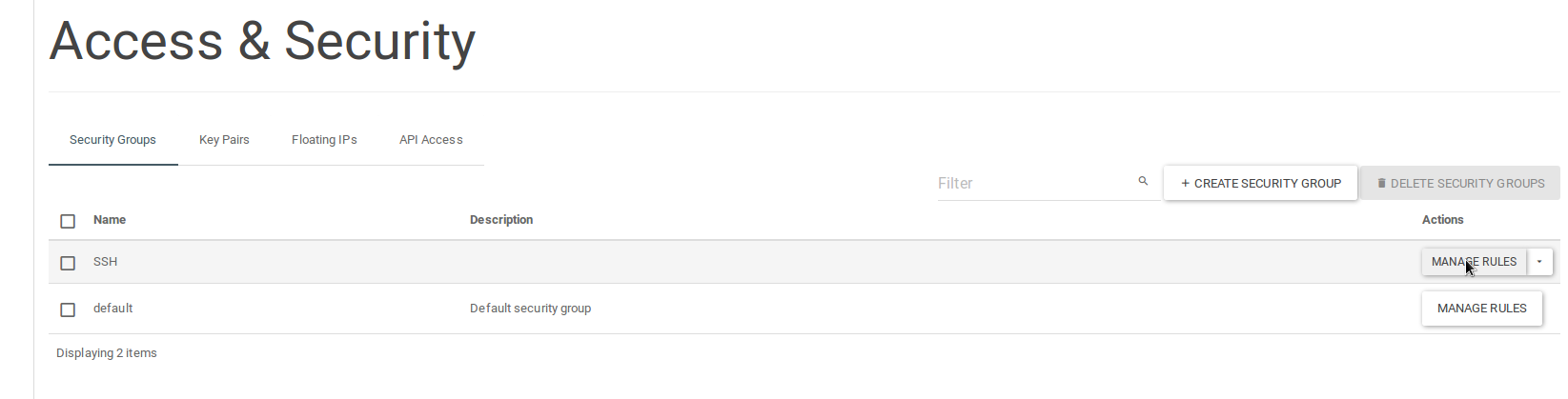
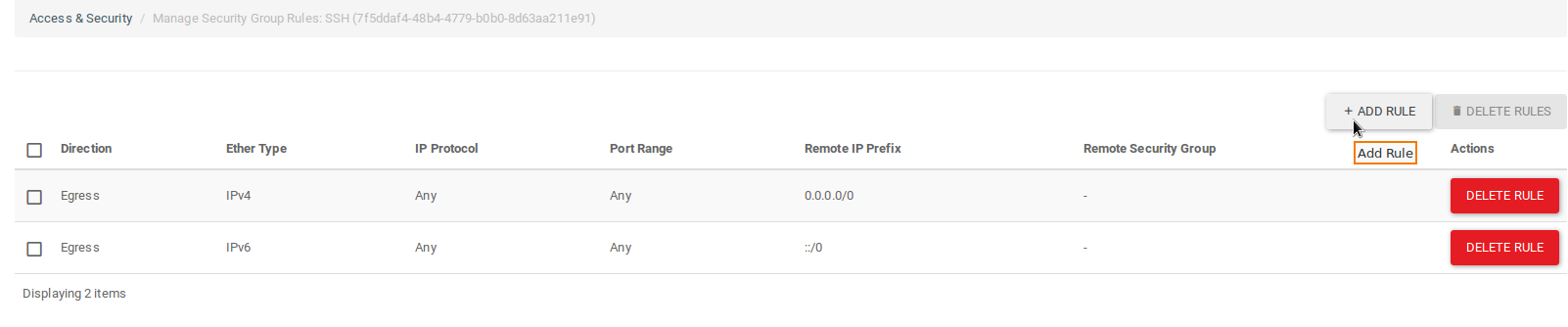
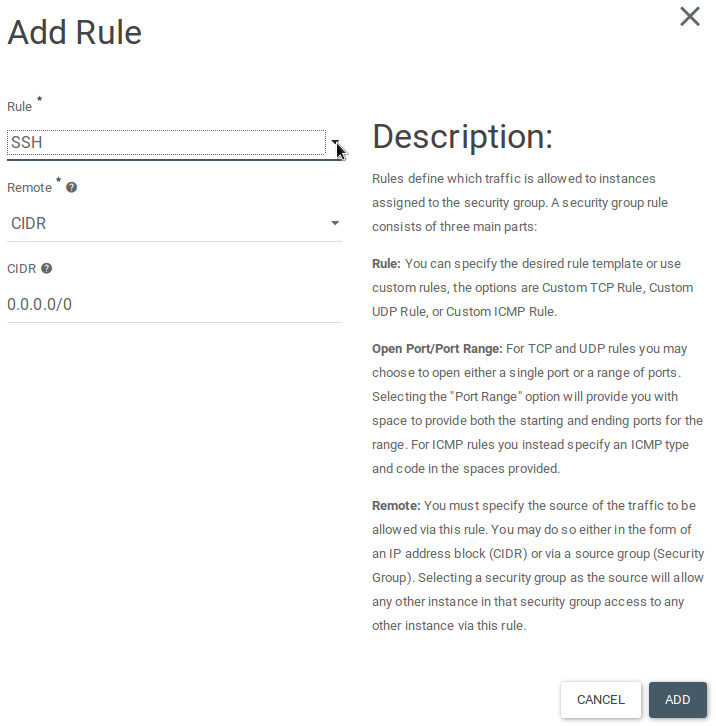
Manage rules and Add a rule to open specific ports.
-
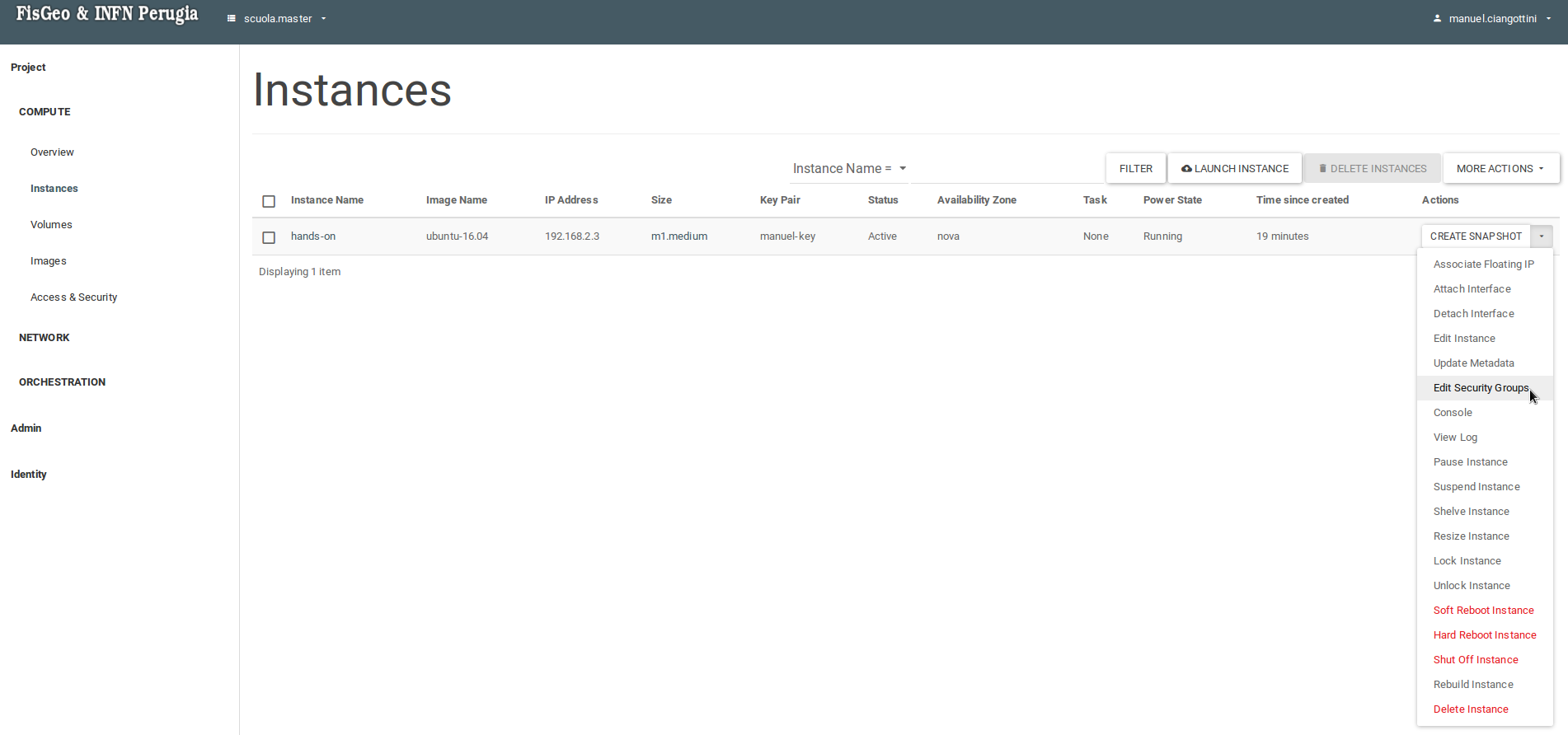
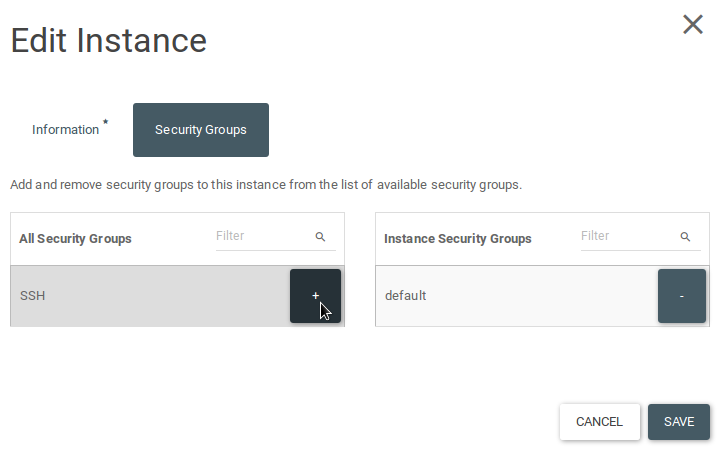
Go to Instances, under Actions column, Edit security groups for your instance and add the newly created ones.
Next section: Web server example