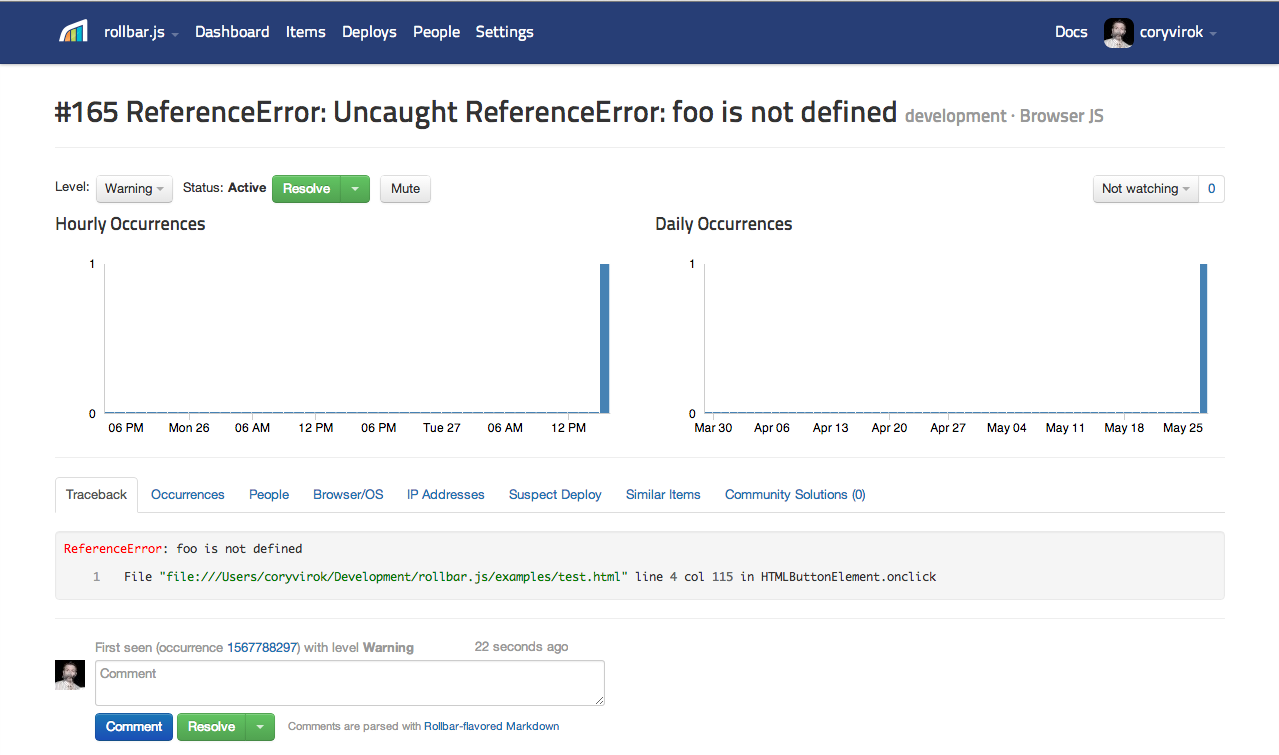
- Require and initialize the Rollbar javascript module:
//
// Download the latest rollbar.min.js and place in current directory.
var rollbarConfig = {
  accessToken: '...',
  captureUncaught: true,
  payload: {
    environment: 'development',
  },
};

// Require the Rollbar library
require(['rollbar.umd.min'], function (Rollbar) {
  var rollbar = Rollbar.init(rollbarConfig);
  rollbar.info('Hello world');
});
- Report exceptions and messages in your code:
try {
  foo();
  rollbar.debug('foo() called');
} catch (e) {
  rollbar.error('Problem calling foo()', e);
}
- Edit test.html and add your Rollbar
POST_CLIENT_ITEM_ACCESS_TOKEN
- Sign up for a free account here
- Open test.html in your browser and click the button
- Go to your project dashboard and see the error