The platform for managing company car reservations was created during the Hacktyki 2020 internship program. The main purpose of the application is to allow employees to rent a car. Users can choose one of the cars, report a defect during the rental period and conveniently save the location of their car to find it later easily. The application also includes an administrator panel that allows to: handle damage and rentals, manage users and cars.
How to launch the project?
- Download the project from gitlab page and unzip it.
- Go to folder called serwer, find CarRental.sln file. After opening it, press green arrow (IIS Express) at the top of window.
- Open Visual Studio Code. Select Open folder and find Klient. Next, write in console commands: npm install, npm start.
- The page should open in a new window.
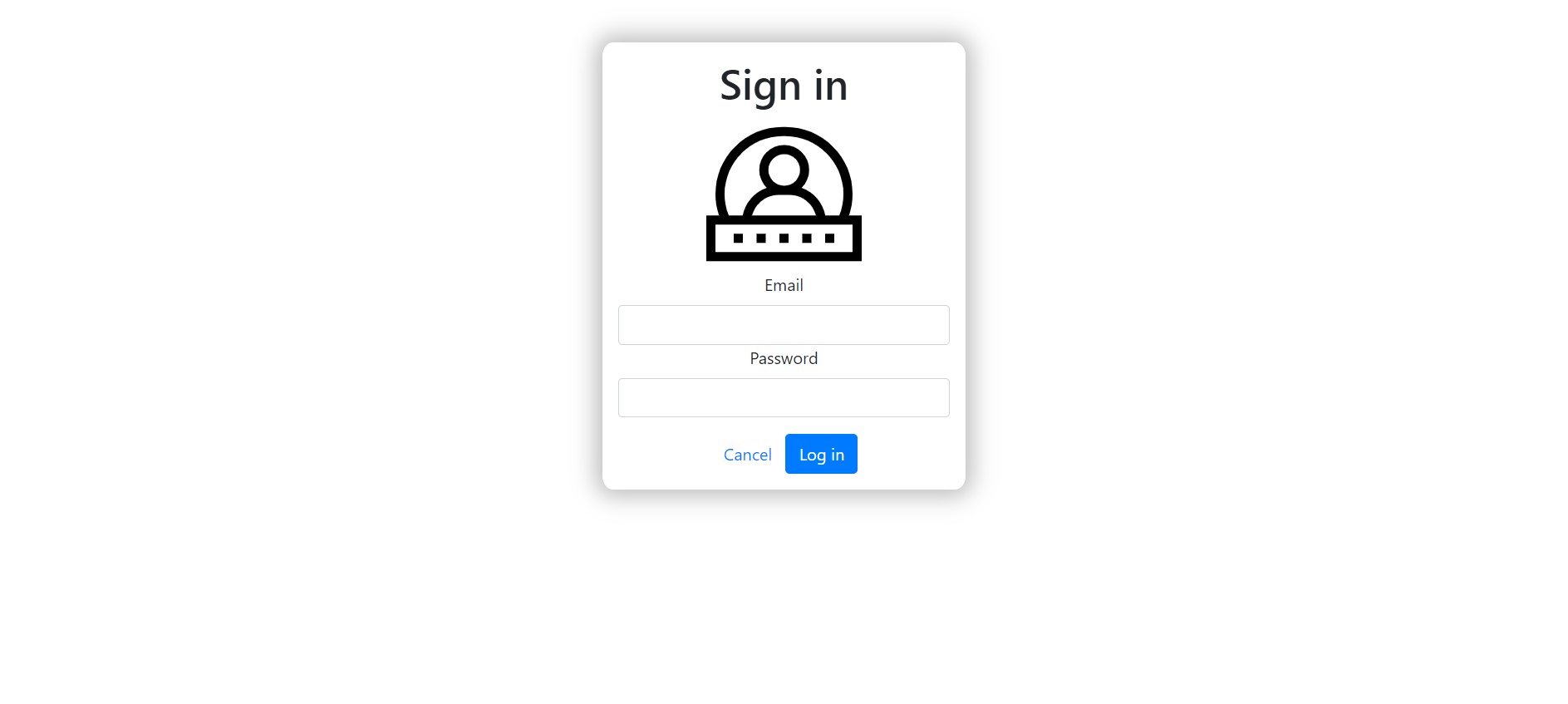
- The last step is logging. You can see:
- users page by login with workers credentials:
- Email: worker1@worker.com
- Password: worker
- admins page by login with admins credentials:
- Email: admin@admin.com
- Password: admin
- users page by login with workers credentials: