
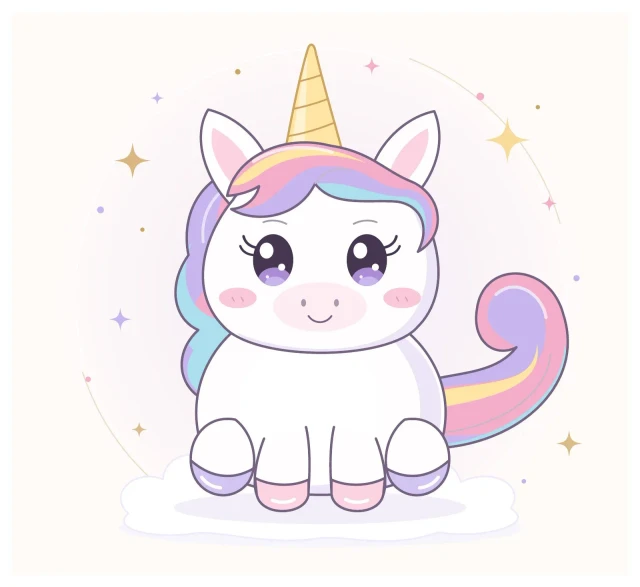
Draw pictures by writing code instead of using a mouse.
Uni is a tiny Python library. You describe a picture with instructions like draw a curve from here to here, make this shape a circle, fill this area, rotate this horn, place this eye at these coordinates. Uni turns them into LaTeX/TikZ, which compiles to a clean, infinitely scalable vector graphic (PDF).
your Python code → uni.py → uni.tex (TikZ) → pdflatex → uni.pdf (vector)
| File | What it is |
|---|---|
uni.py |
The drawing library (no dependencies, standard library only) |
make_uni.py |
Example script that draws Uni the Unicorn |
uni.tex |
The generated TikZ output, so you can see what Uni writes |
README.md |
You are here |
python make_uni.py # writes uni.tex, and uni.pdf if LaTeX is installedYou need Python 3.10+ and (optionally) a LaTeX install such as TeX Live or MiKTeX with pdflatex. Without LaTeX you still get uni.tex, which you can paste into Overleaf to render.
Coordinates are in centimetres, (0, 0) is bottom-left, and colours are named with d.color("name", "#RRGGBB").
| You want to... | Write |
|---|---|
| Draw a curve from here to here | d.curve((0, 0), (4, 2), bend=0.4) |
| Curve with exact control points | d.bezier(a, c1, c2, b) |
| Draw a straight line | d.line(a, b) |
| Make a circle / ellipse | d.circle((x, y), r) / d.ellipse((x, y), rx, ry) |
| Make a rectangle (rounded) | d.rect(corner, w, h, round_=0.3) |
| Make a polygon | d.polygon([p1, p2, p3]) |
| Build a custom shape | d.path(start).curve_to(c1, c2, end).line_to(p).close().draw(fill="pink") |
| Fill an area | pass fill="colorname" to any shape, or end a path with .fill("colorname") |
| Place something at coordinates | with d.at((x, y)): ... (inside, (0, 0) is that point) |
| Rotate it | with d.at((x, y), rotate=-20): ... or with d.rotate(30, about=(x, y)): ... |
| Flip it left-to-right | with d.mirror(x=5): ... |
| Add text | d.text((x, y), "Hello") |
Style options on every shape: fill, stroke (use None for no outline), width (pt), opacity.
from uni import Drawing

d = Drawing(width=8, height=6)
d.color("horn", "#FFD34D")

d.circle((3, 2), 1.2, fill="white")                      # a head
with d.at((3, 3.1), rotate=-15):                         # place + rotate a horn
    d.polygon([(-0.3, 0), (0.3, 0), (0, 2)], fill="horn")
d.circle((3.4, 2.3), 0.12, fill="black")                 # an eye at coordinates
d.curve((2.6, 1.6), (3.5, 1.6), bend=-0.5)               # a smile

d.compile("tiny.tex")





TikZ output is plain text, so your drawings are diff-able in Git, reproducible, and easy to tweak by changing a number. The PDF is vector, so it stays sharp at any size, and you can drop the .tex straight into papers or slides.
- Add
d.star()andd.regular_polygon()helpers - Smooth curves through a list of points (Catmull-Rom to Bezier)
- Export SVG as well as TikZ
- Gradients and shadows
MIT. Do what you like, and keep Uni sparkly.