
English | Русский | Deutsch | Español | Français | Italiano | Português
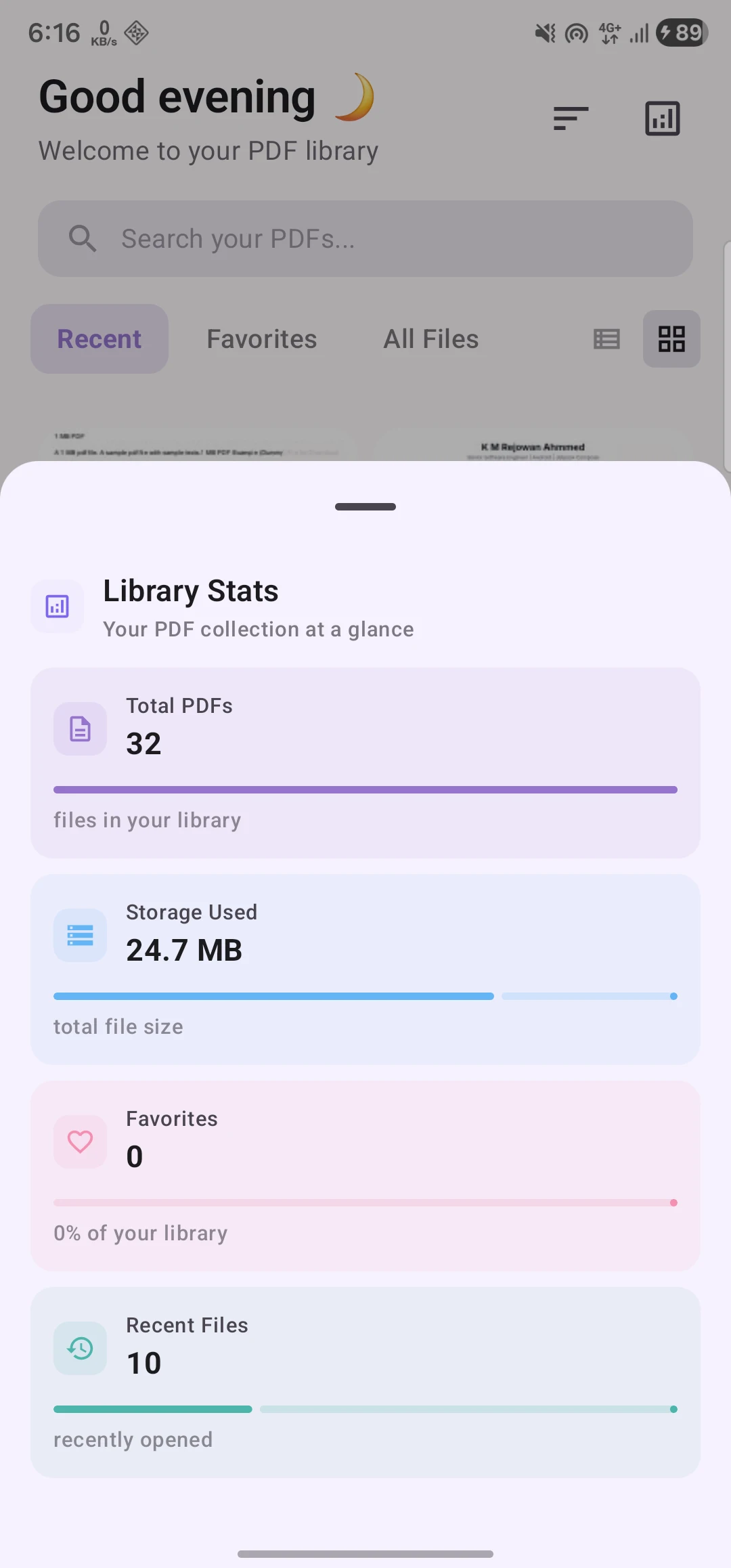
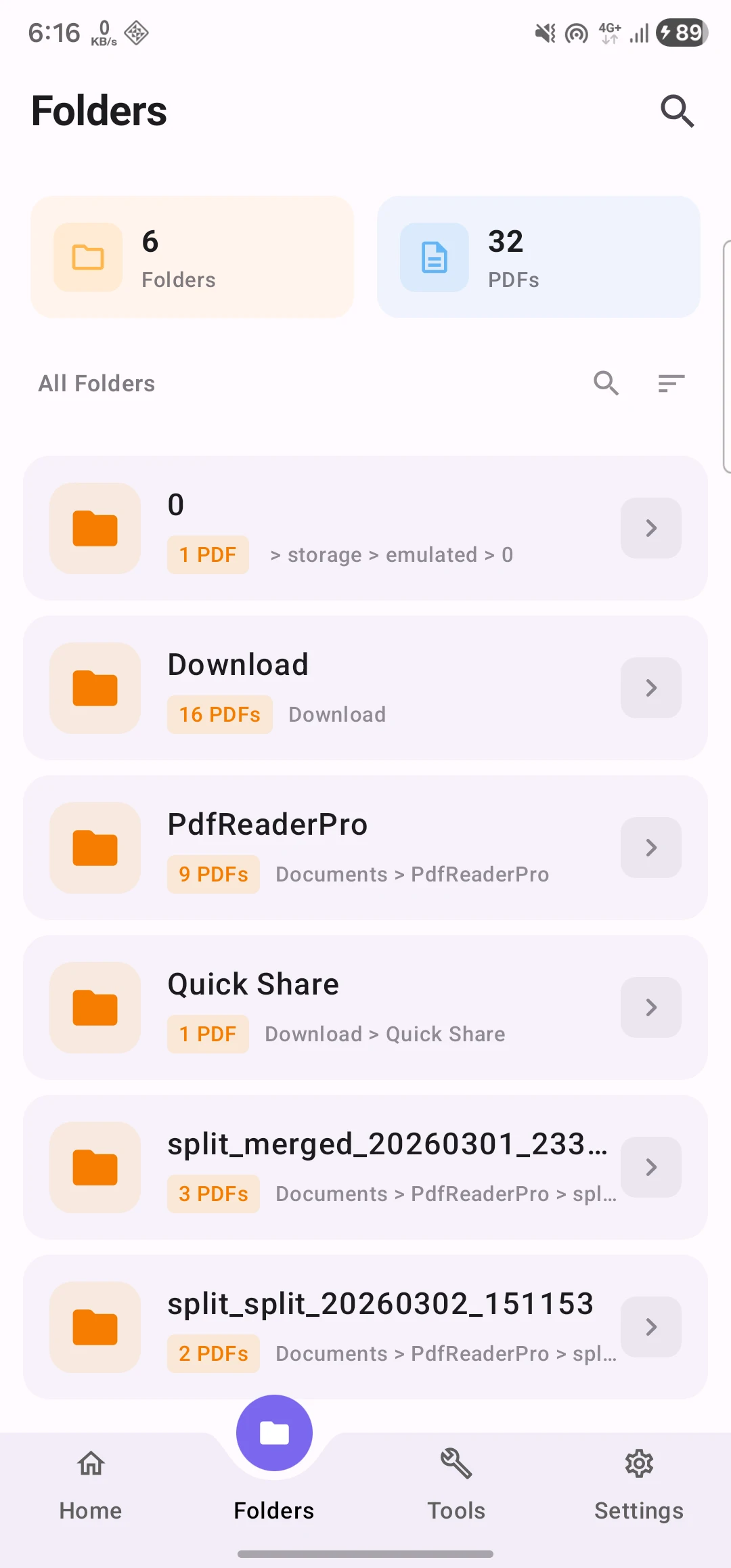
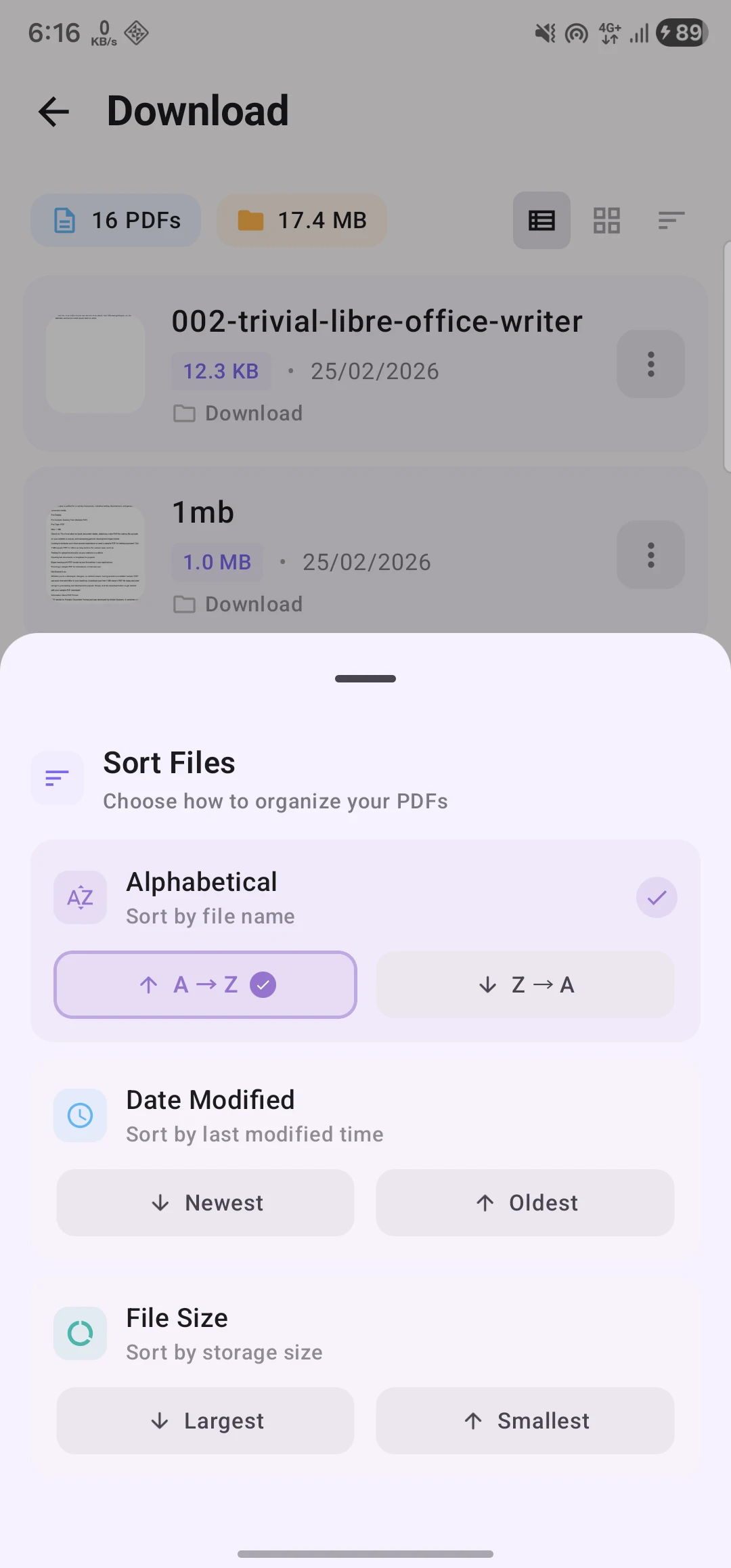
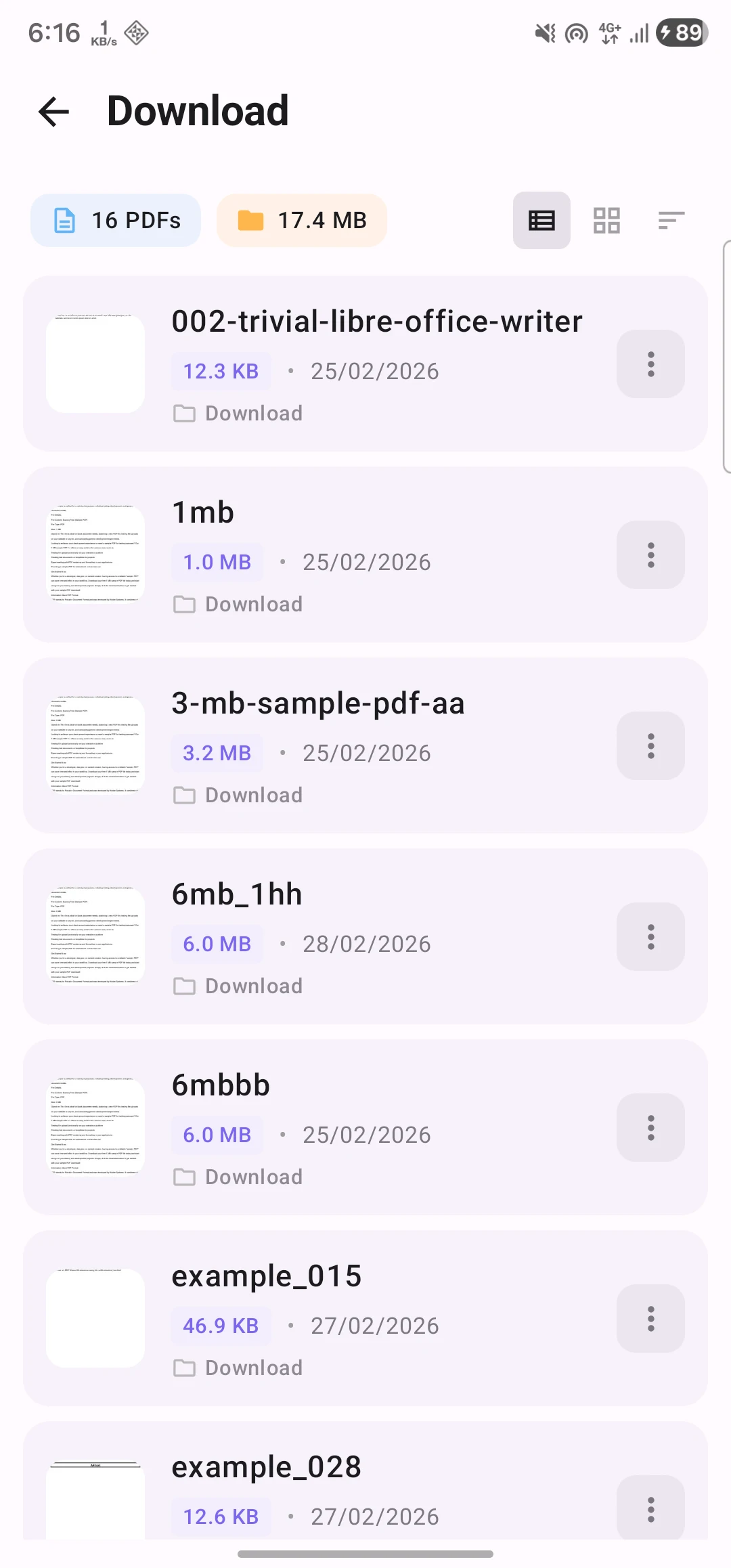
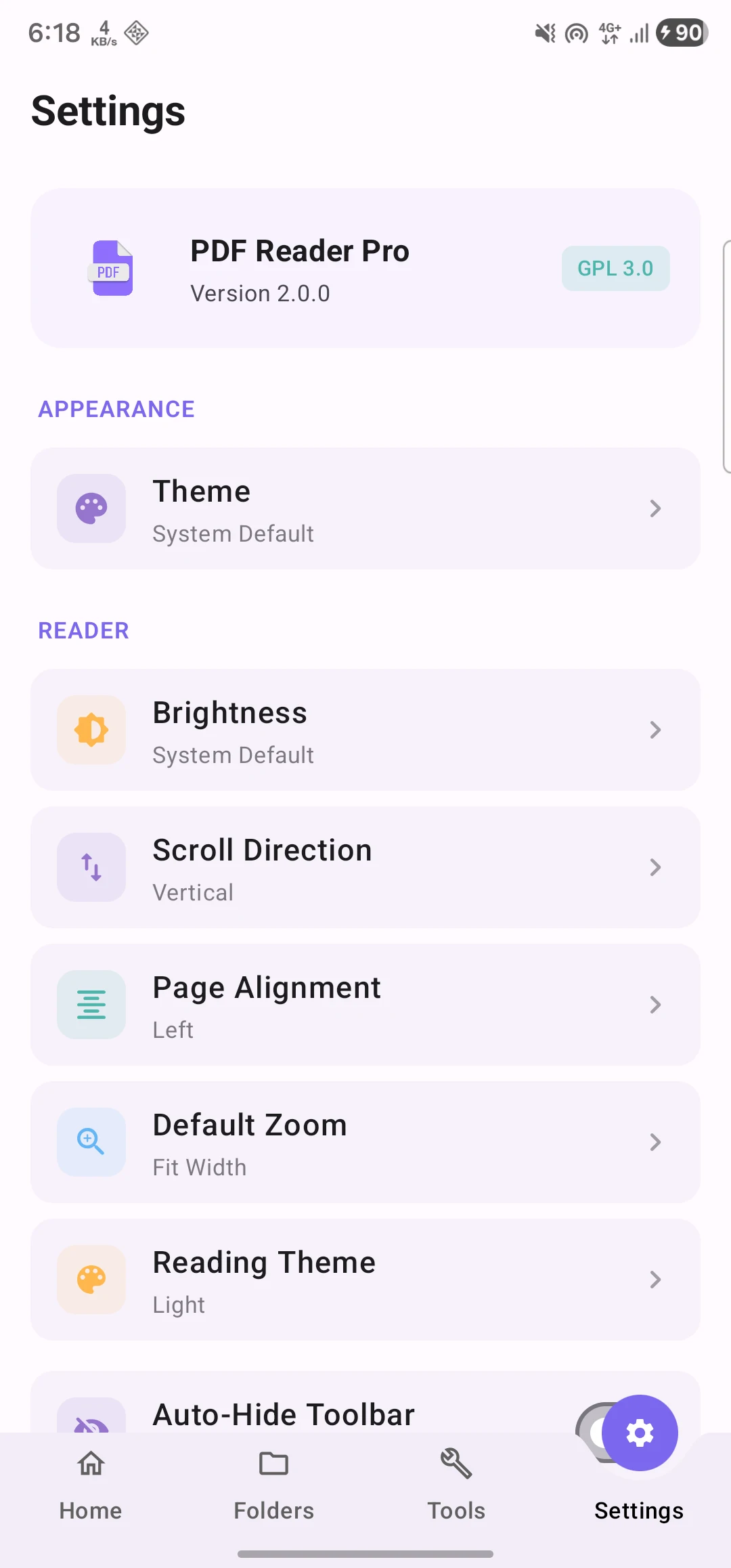
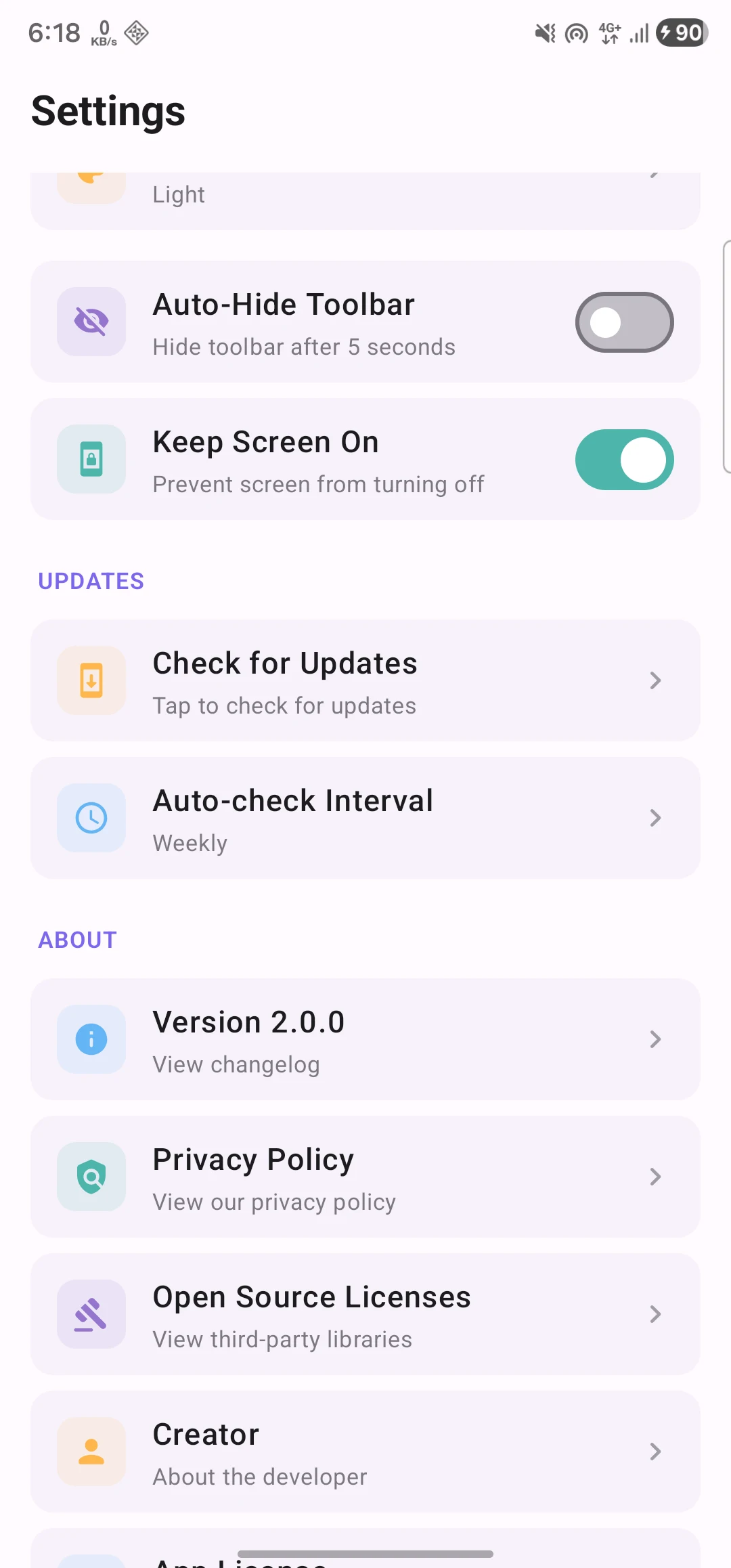
A feature-rich, privacy-focused PDF app built with Jetpack Compose and Material 3. View, edit, and manage PDFs with 12 powerful tools.





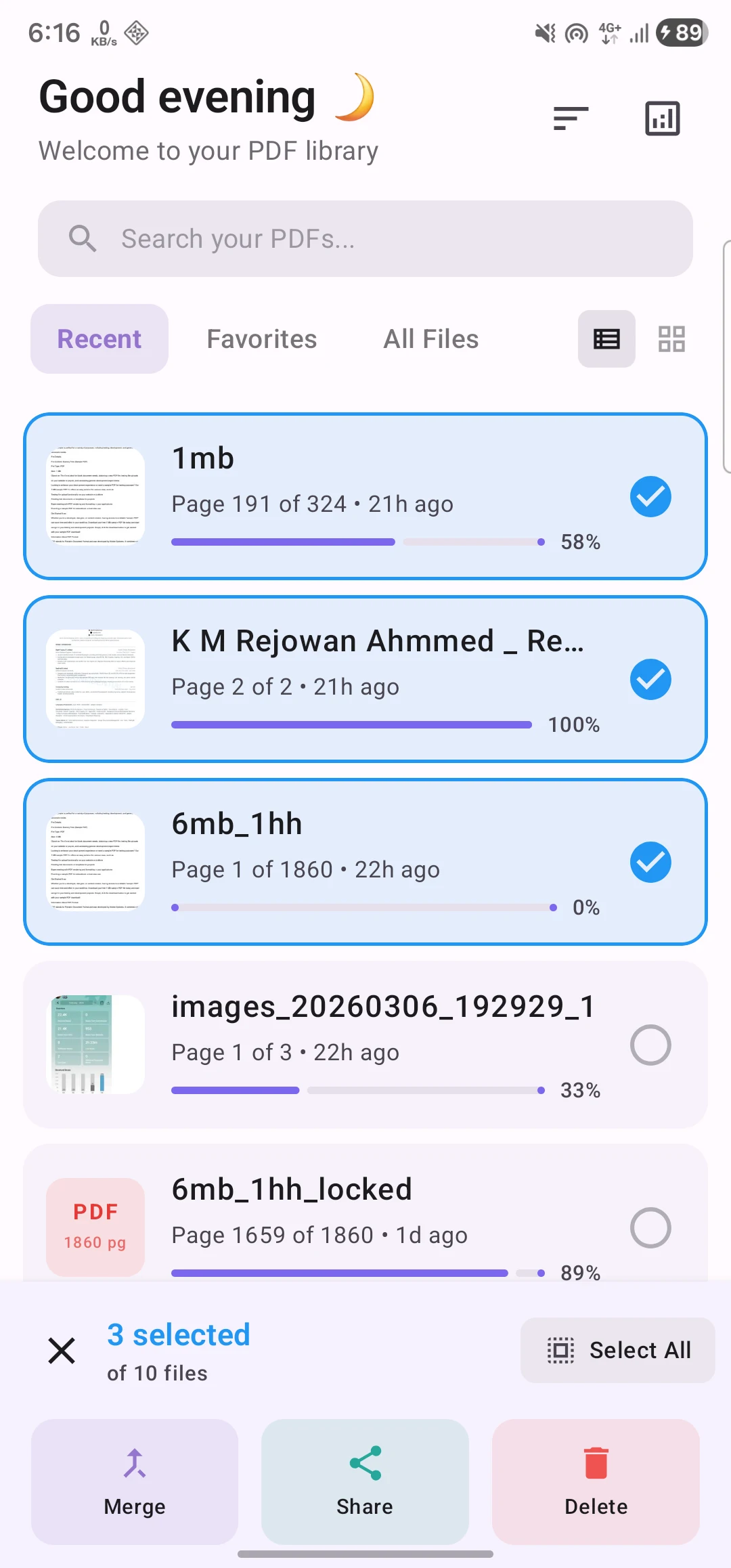
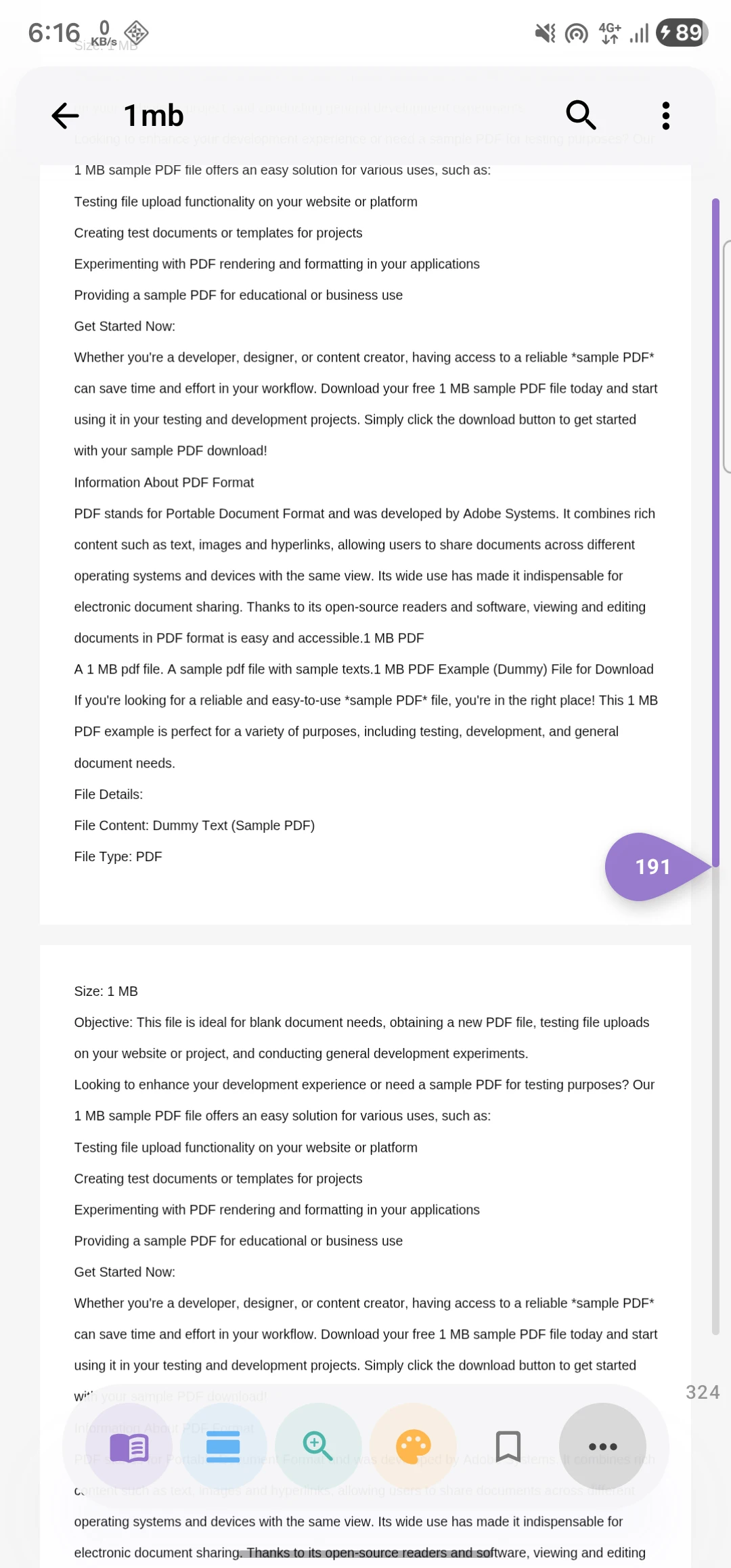
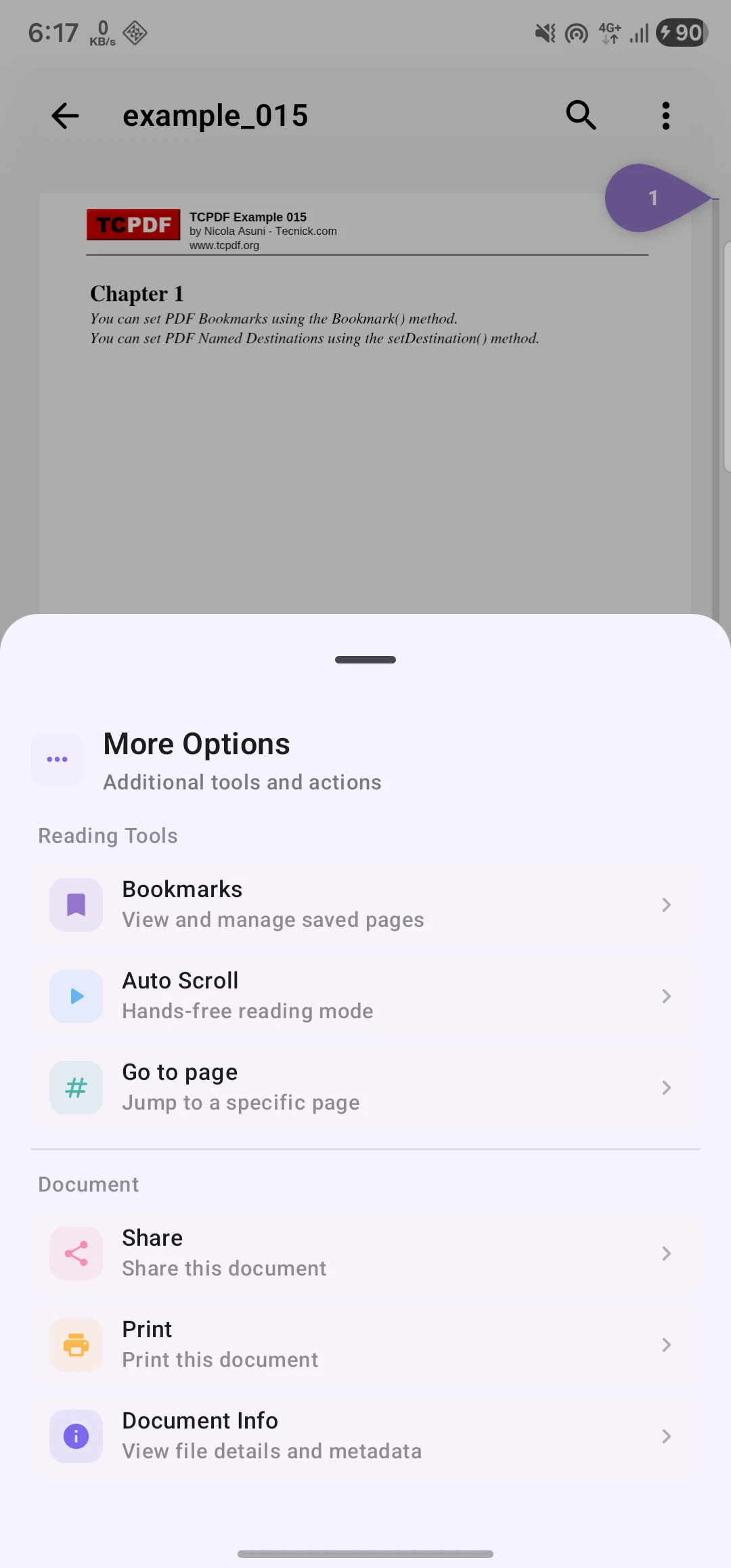
- PDF Viewing - Smooth rendering with zoom, scroll, and page navigation
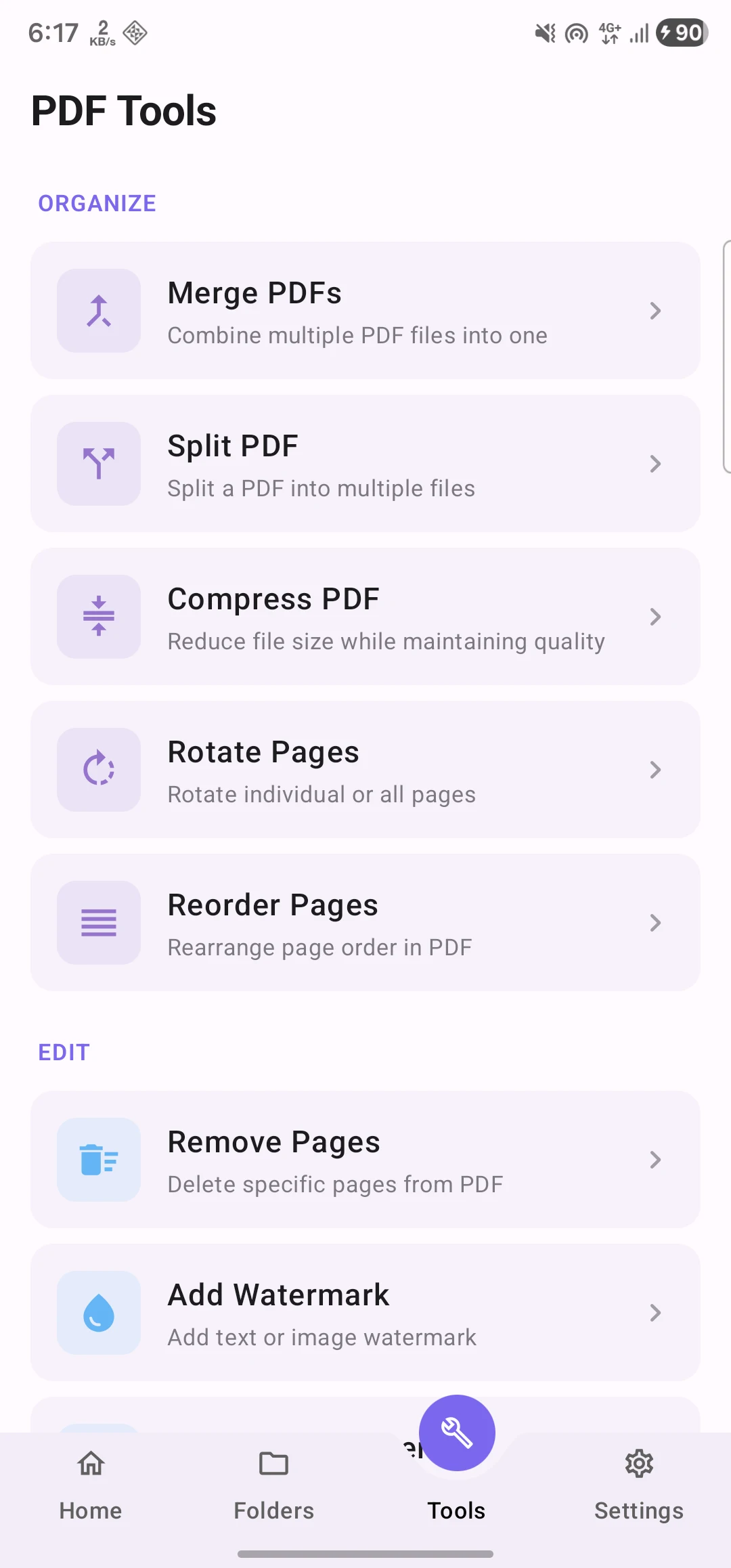
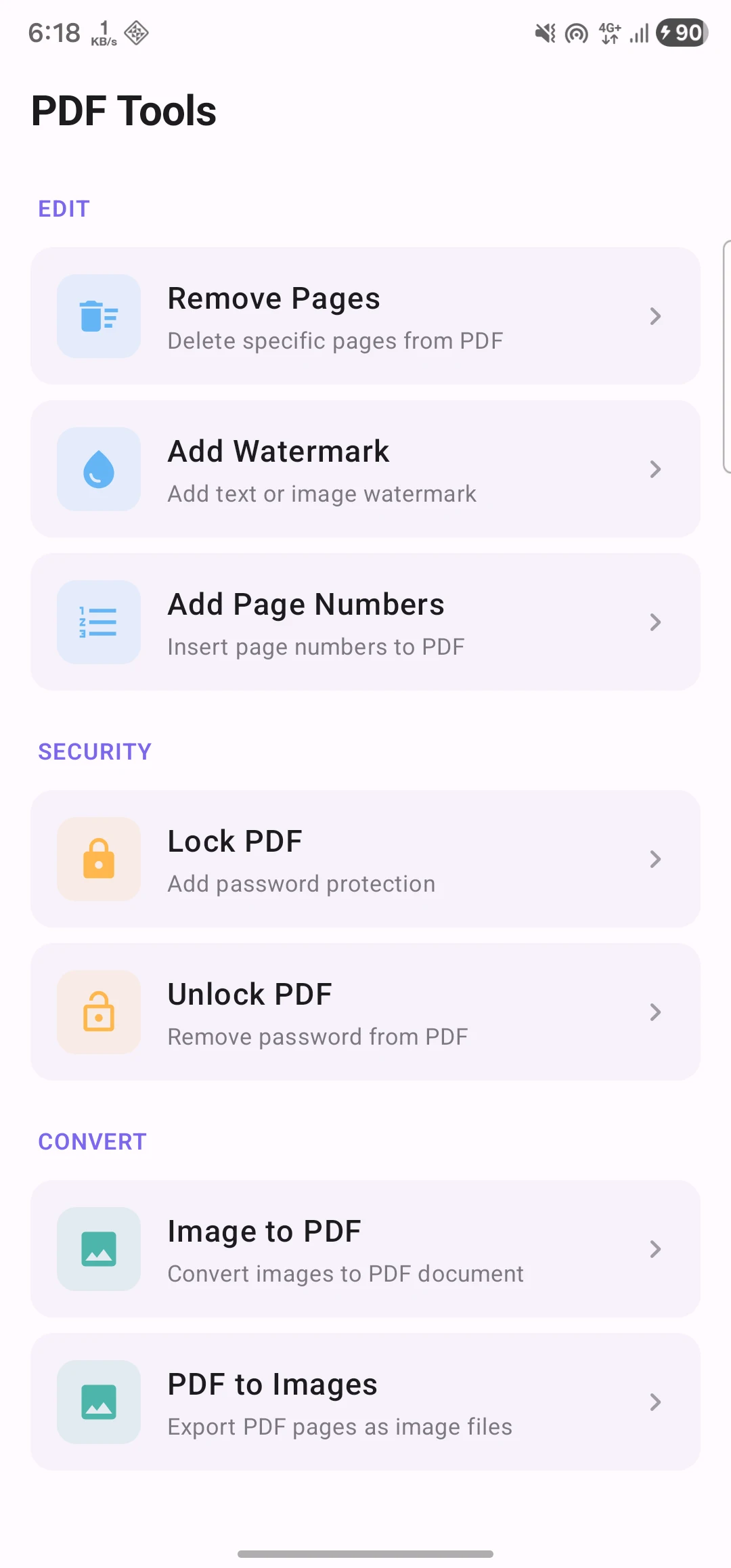
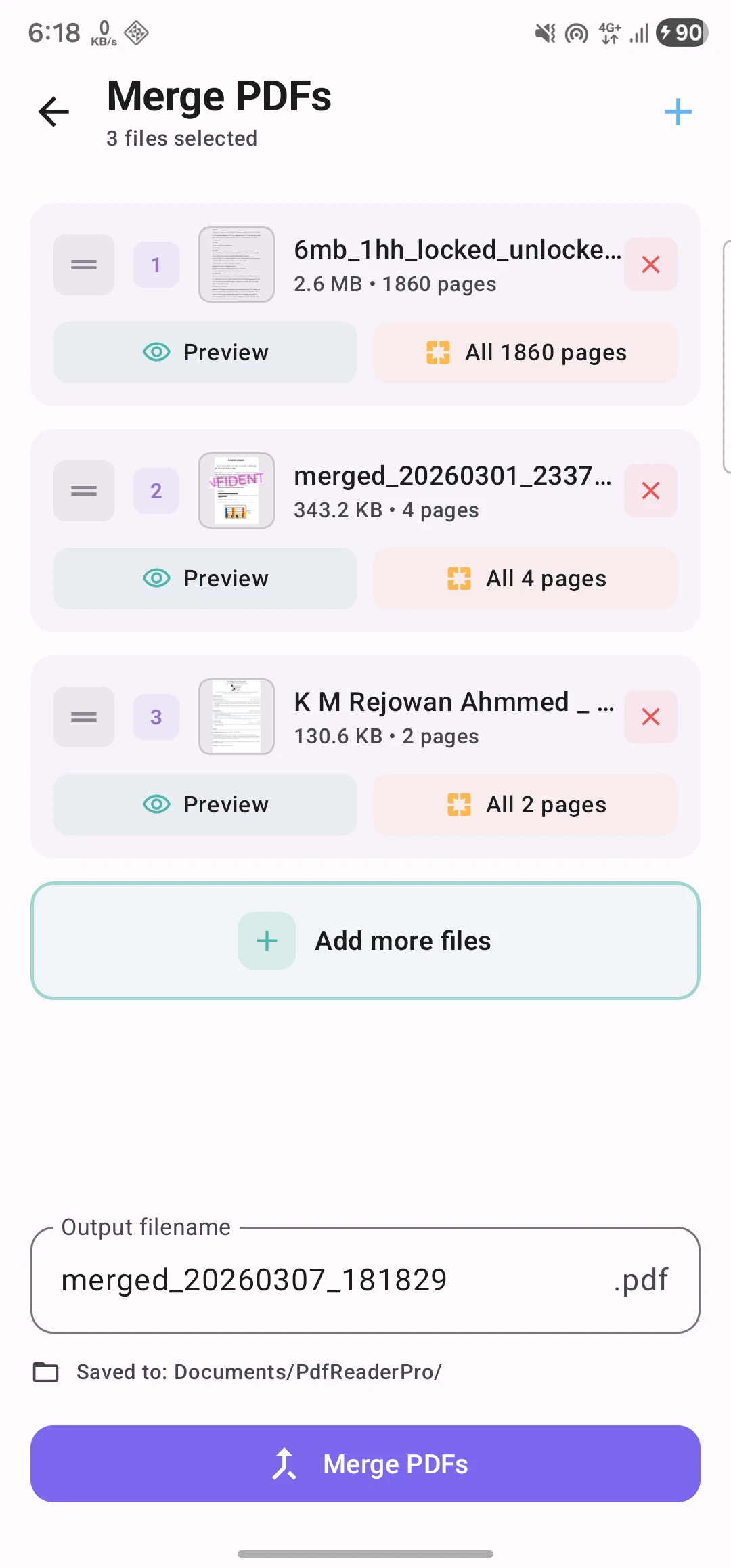
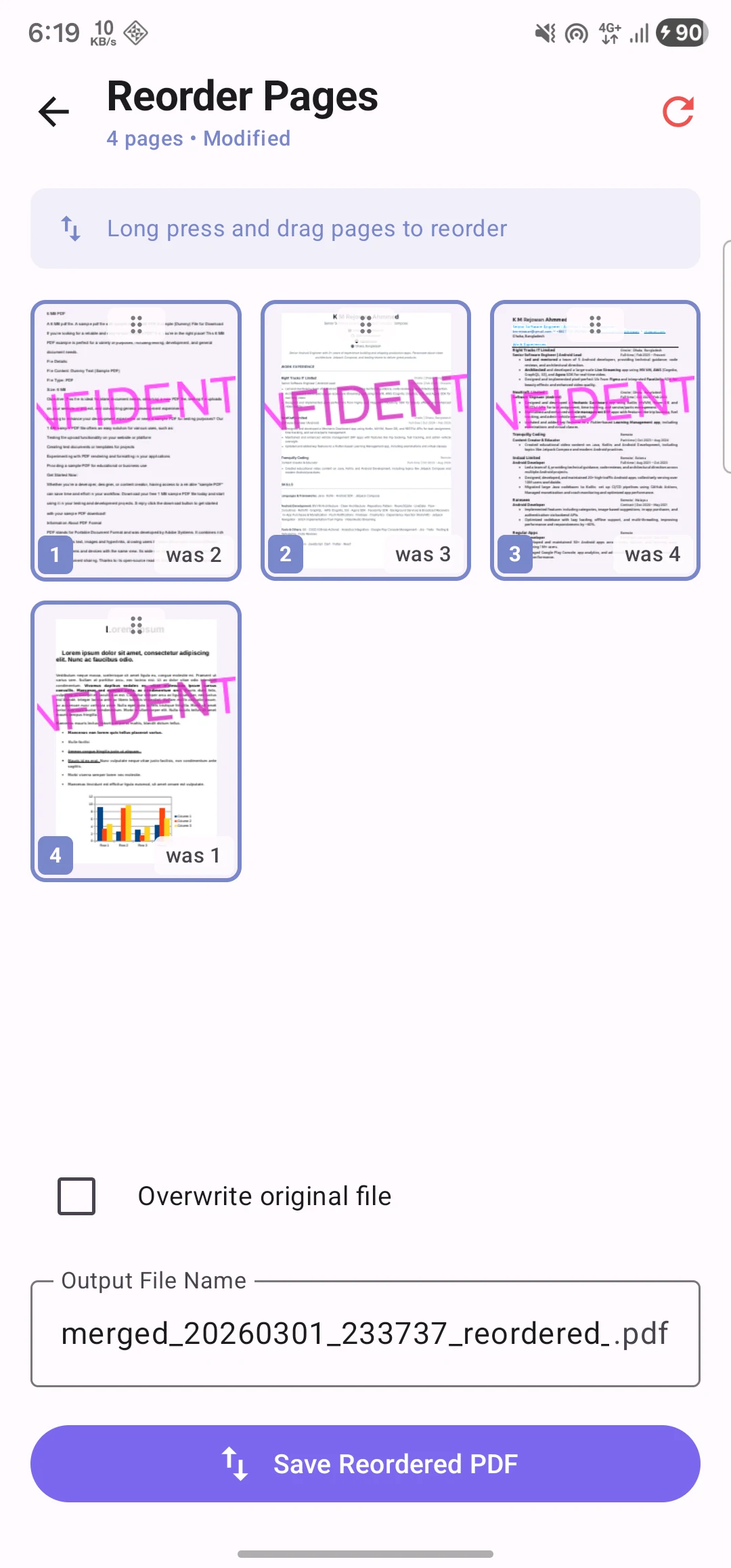
- 12 PDF Tools - Merge, split, compress, rotate, reorder, remove pages, add page numbers, watermark, lock/unlock, PDF to images, images to PDF
- Bookmarks - Save and manage bookmarks within documents
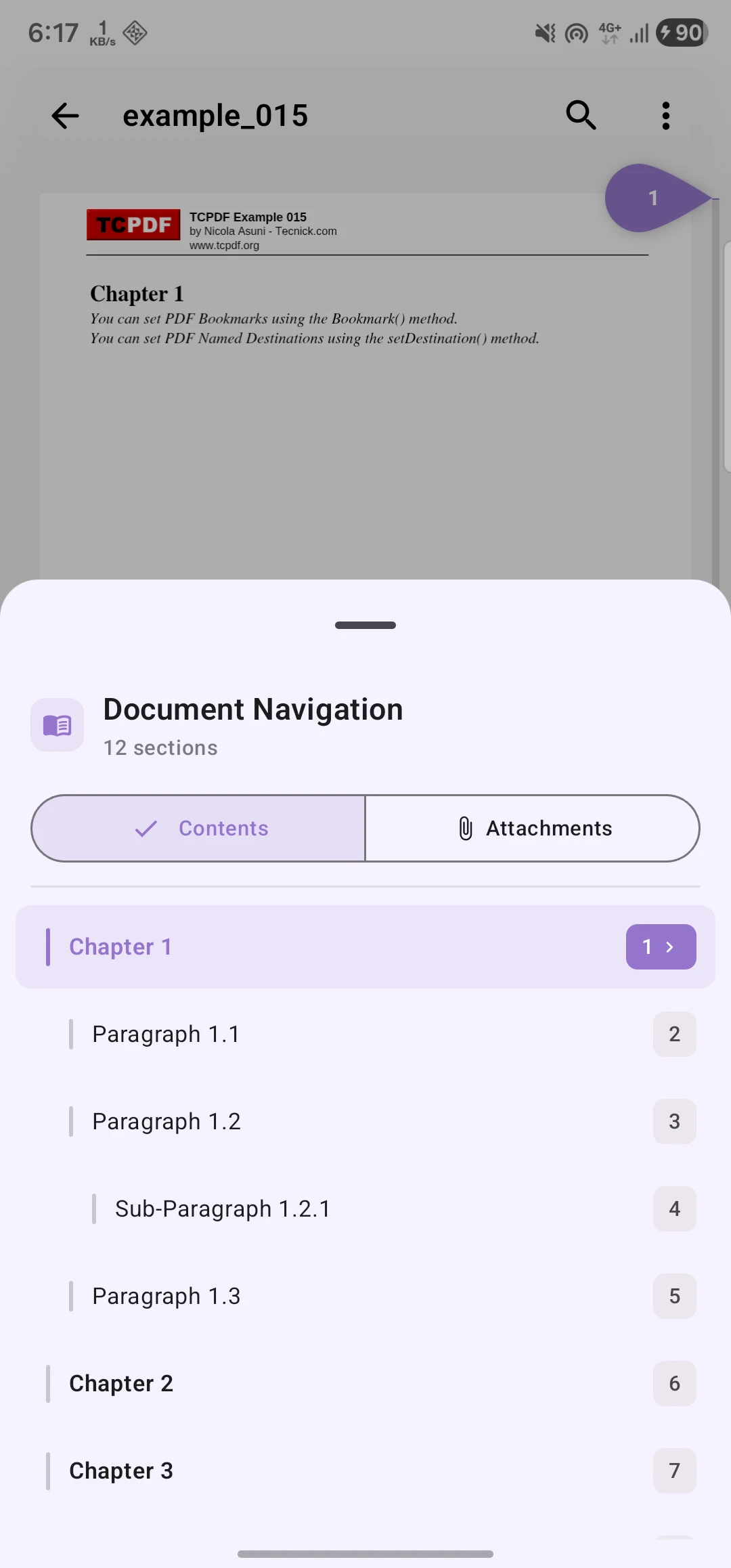
- Table of Contents - Navigate using document outlines
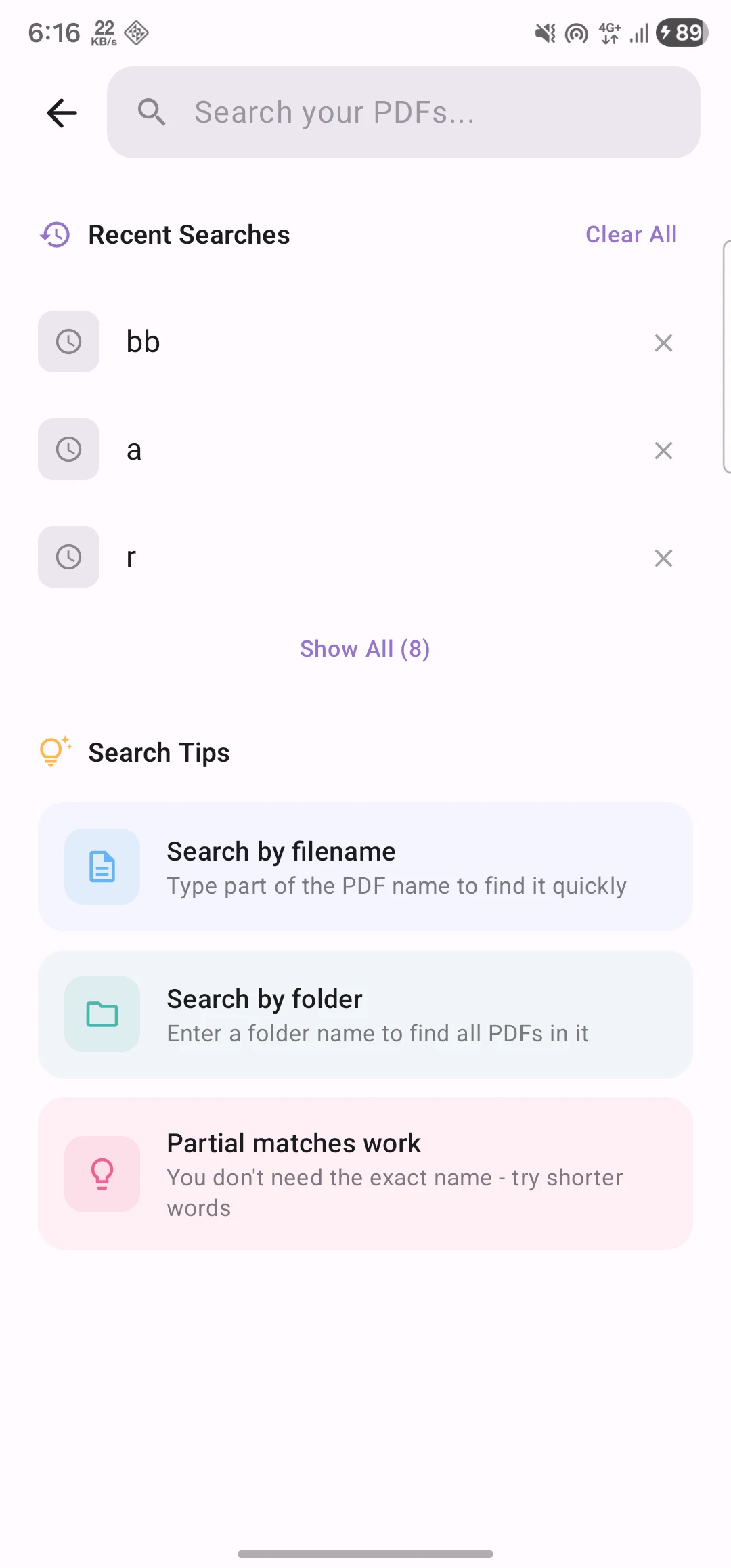
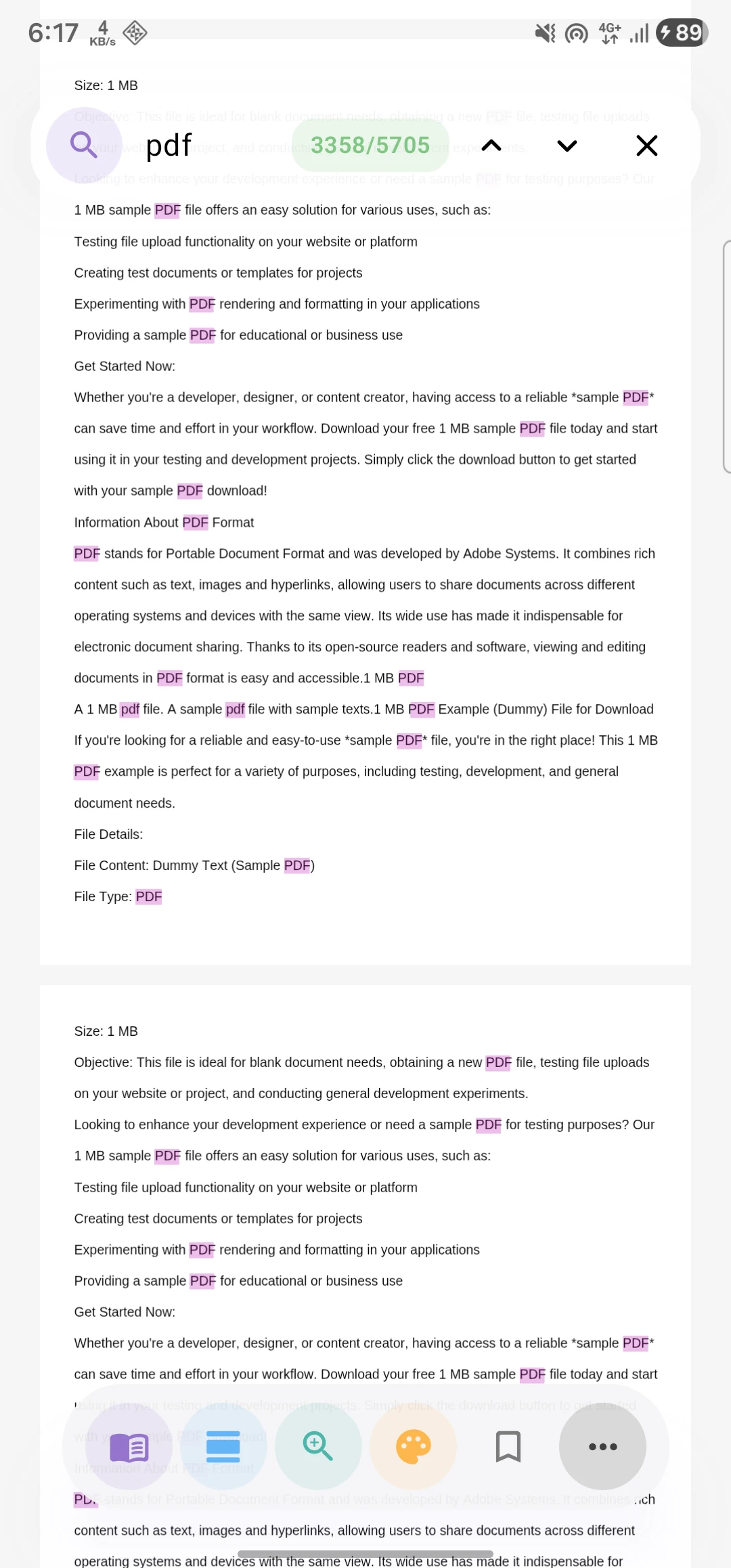
- Search - Full-text search within documents
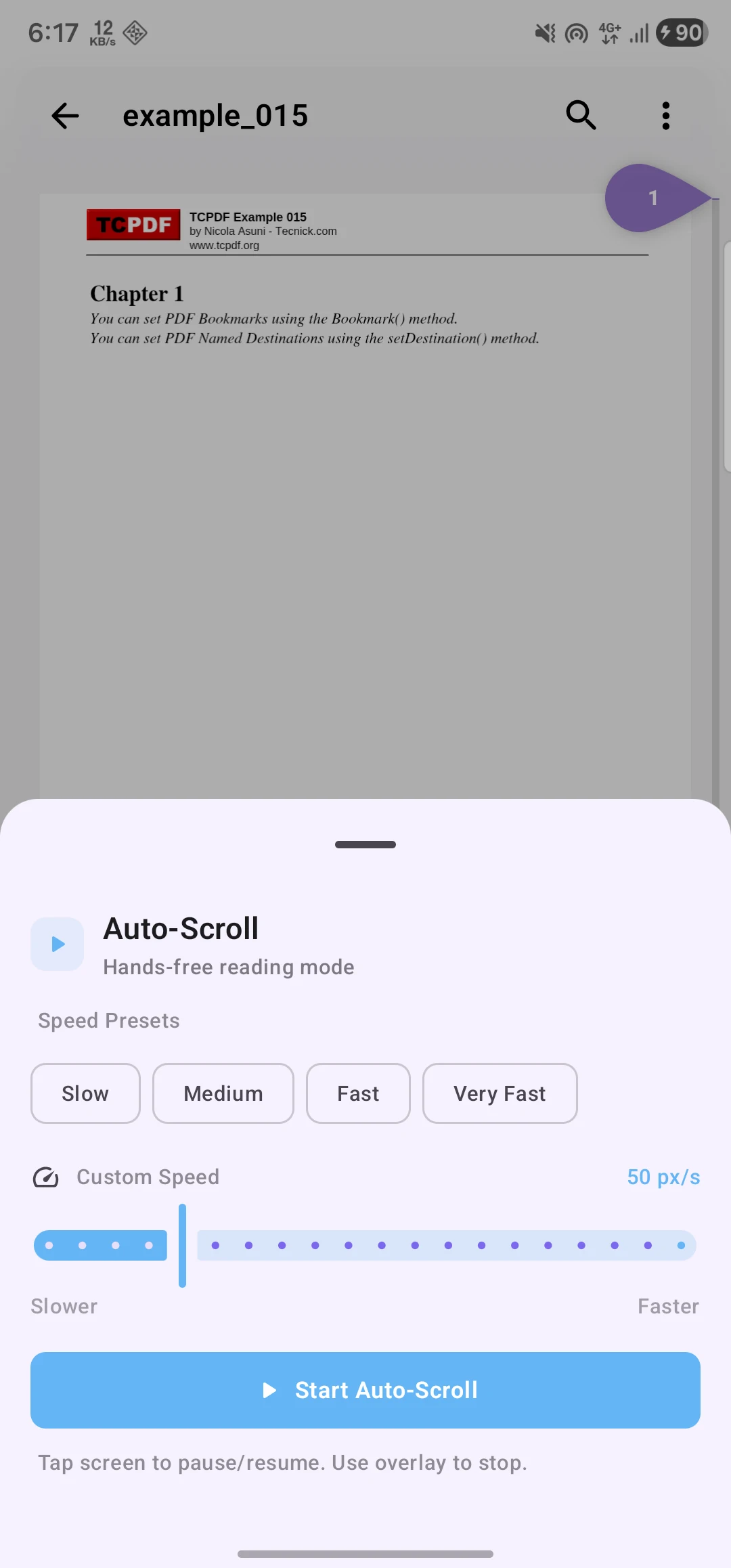
- Auto-Scroll - Hands-free reading with adjustable speed
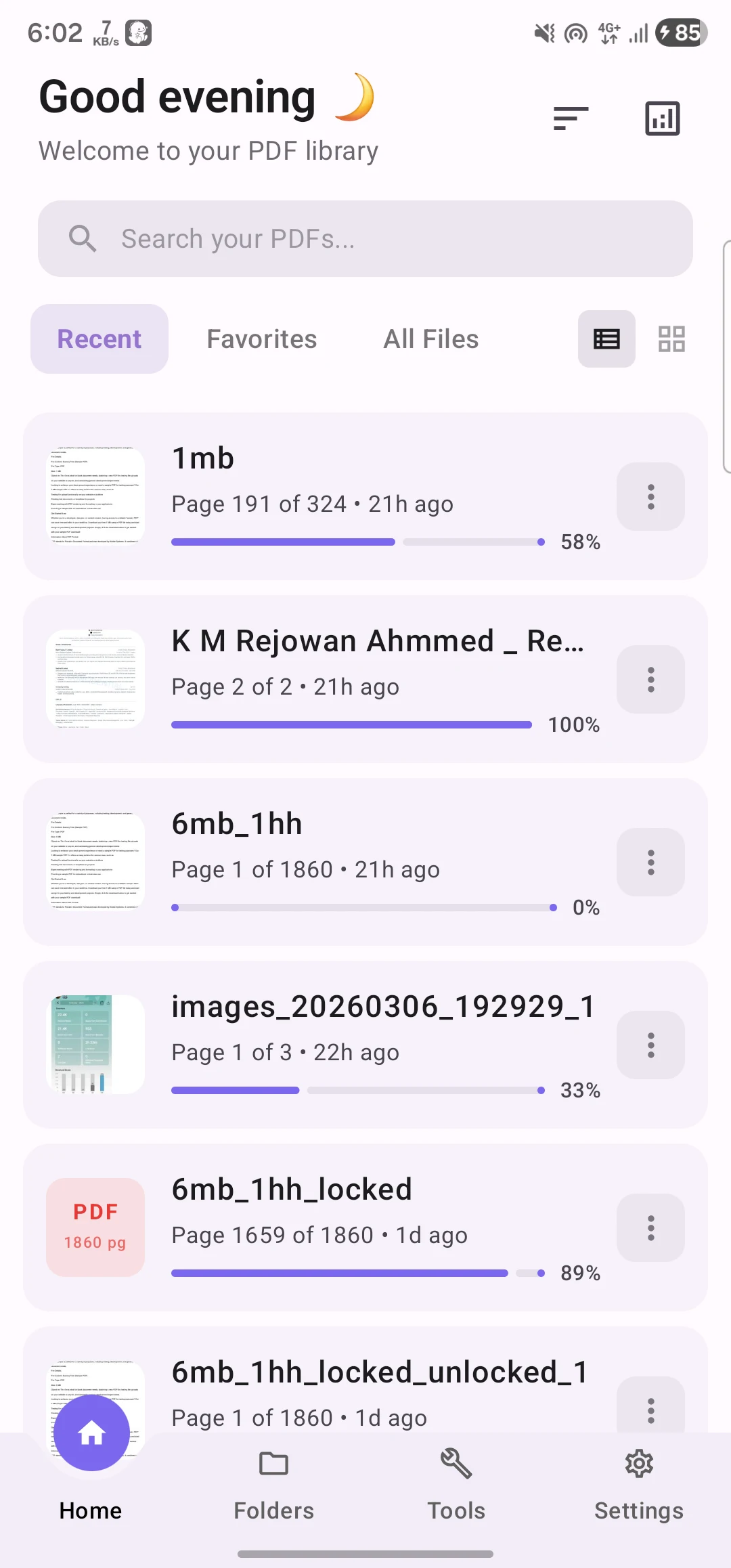
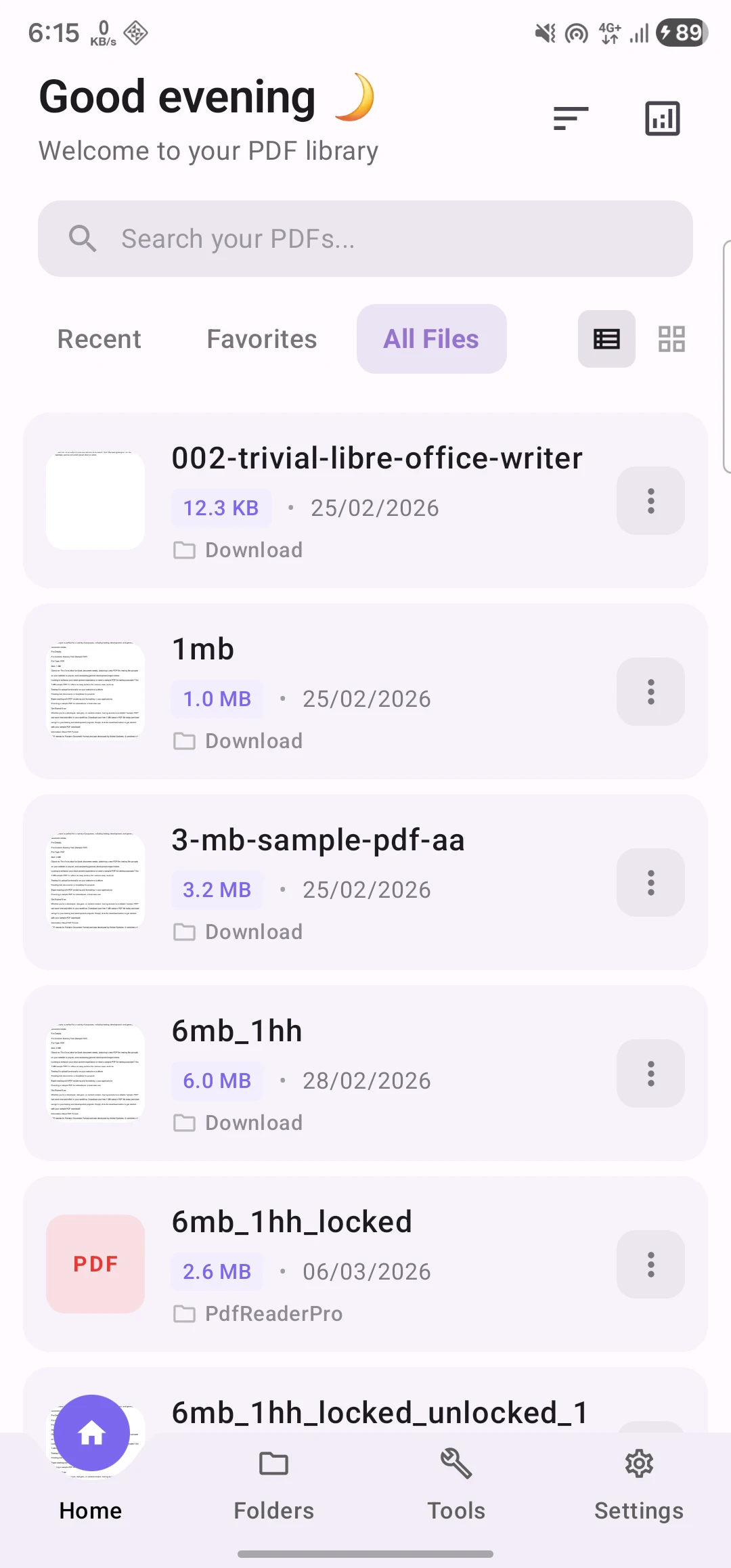
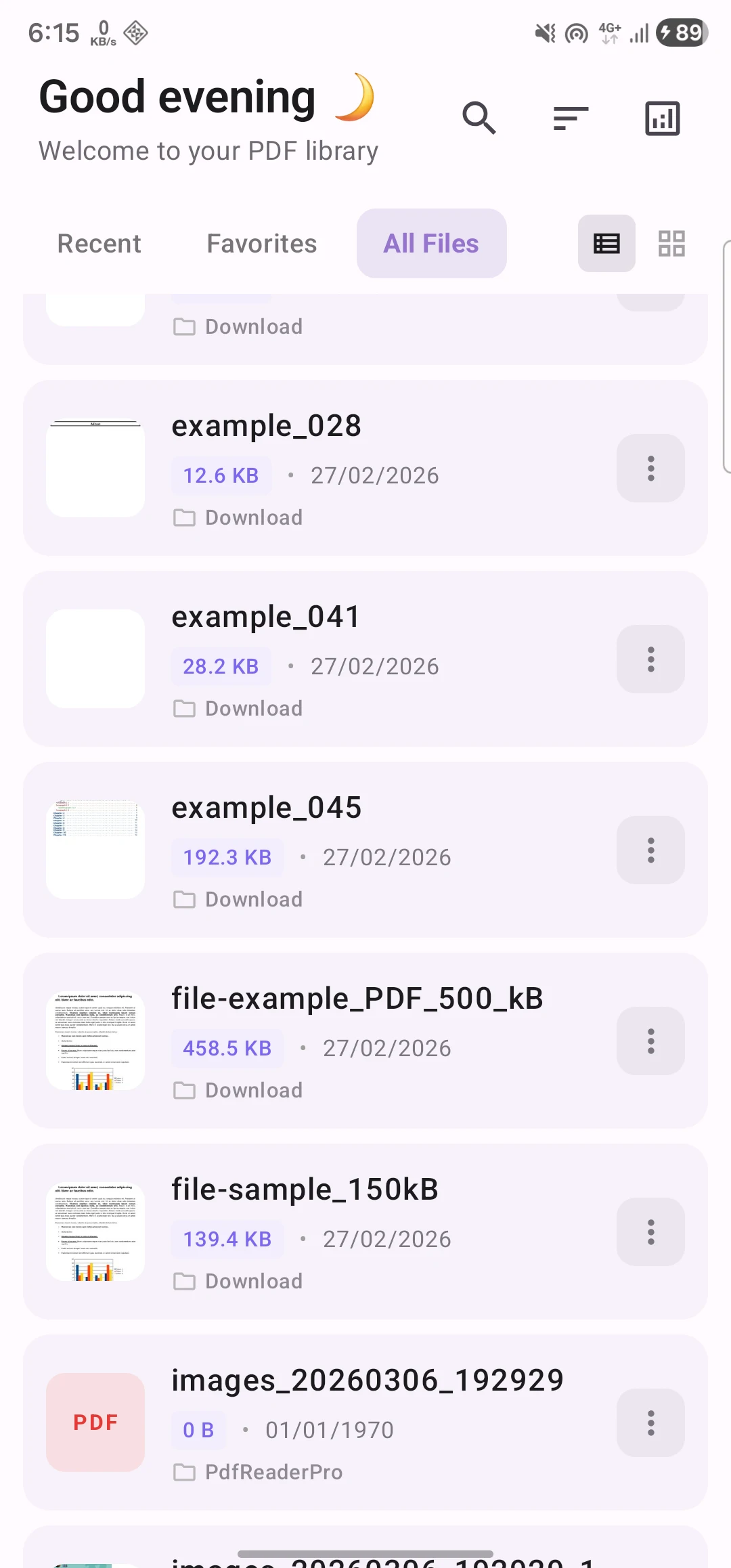
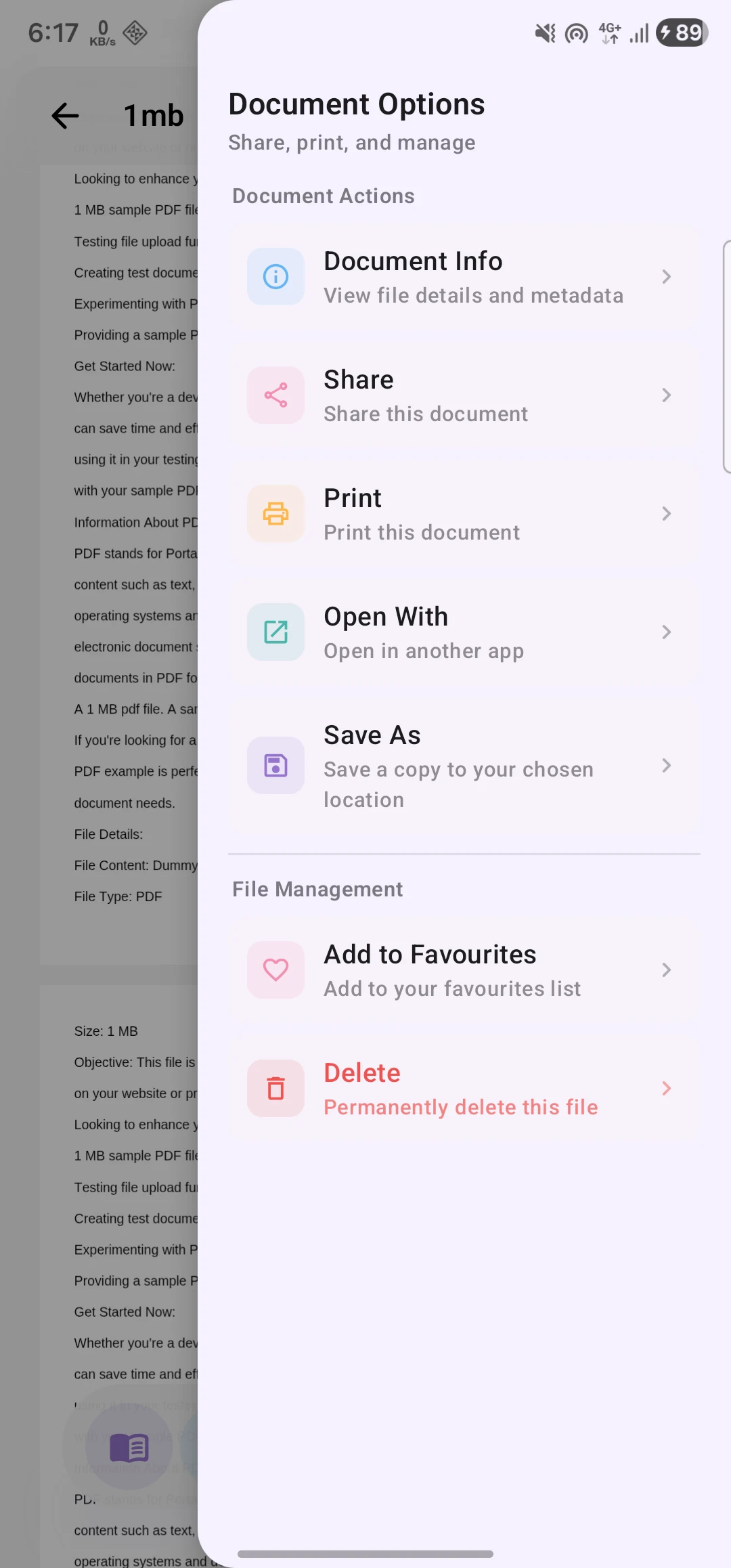
- File Management - Browse, search, sort, and organize PDFs
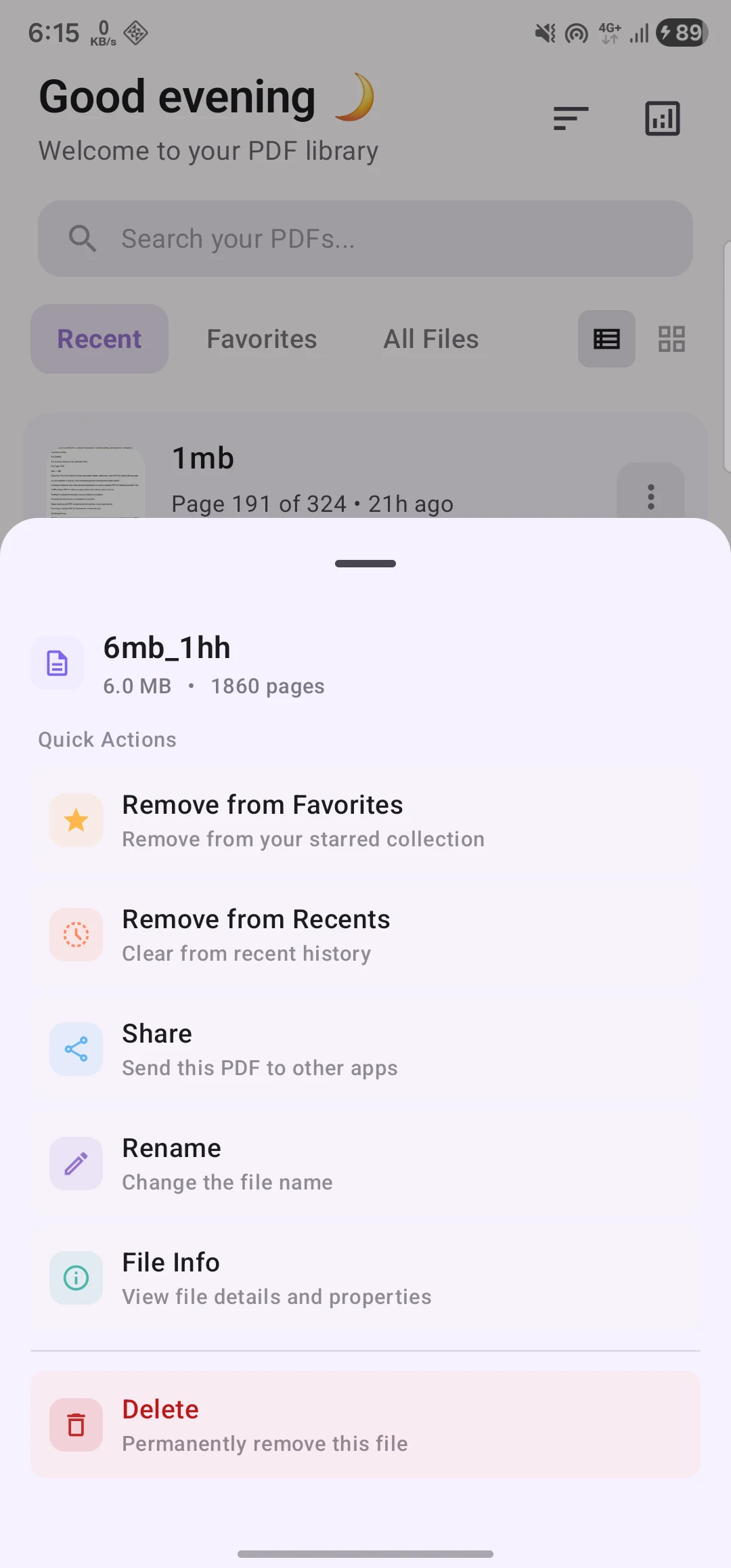
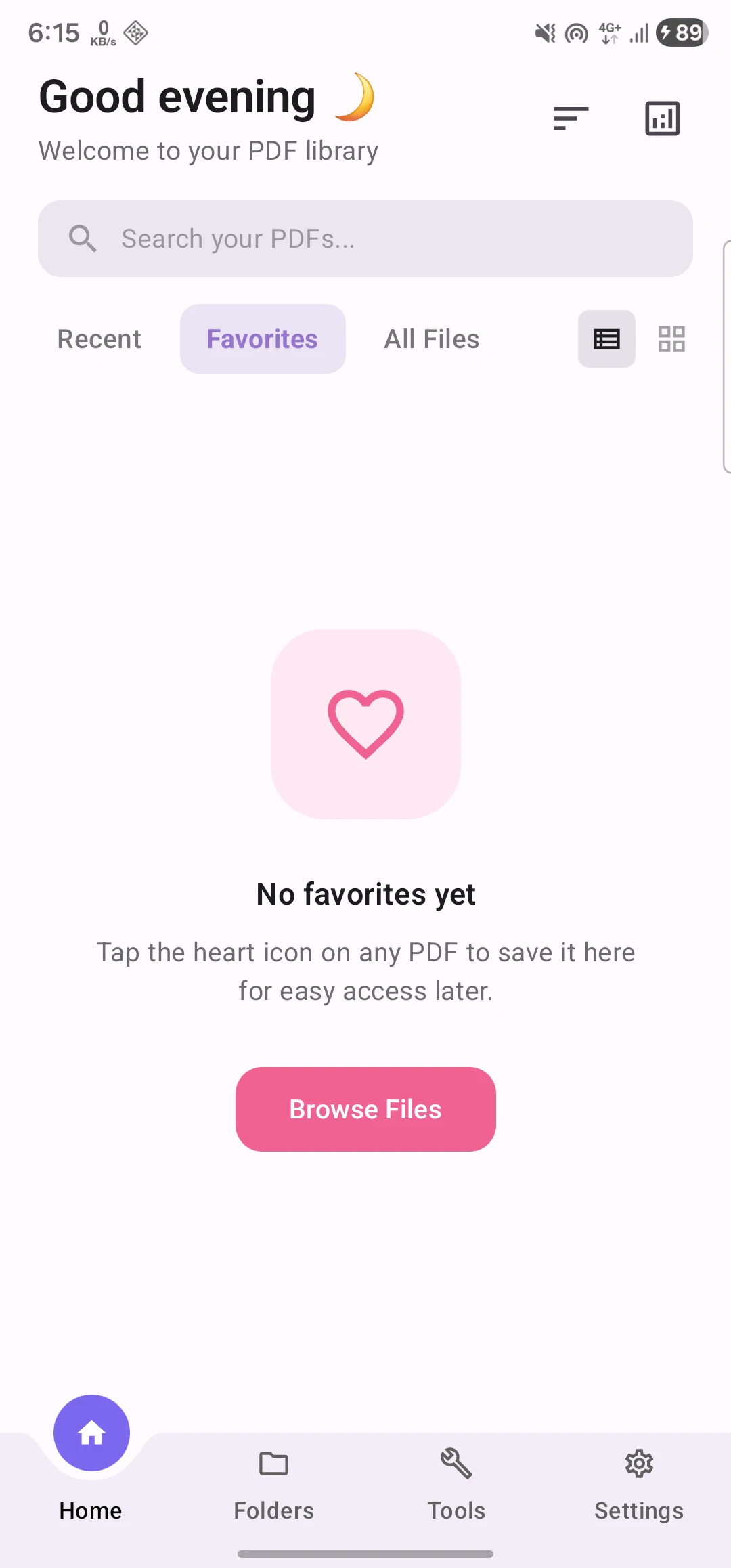
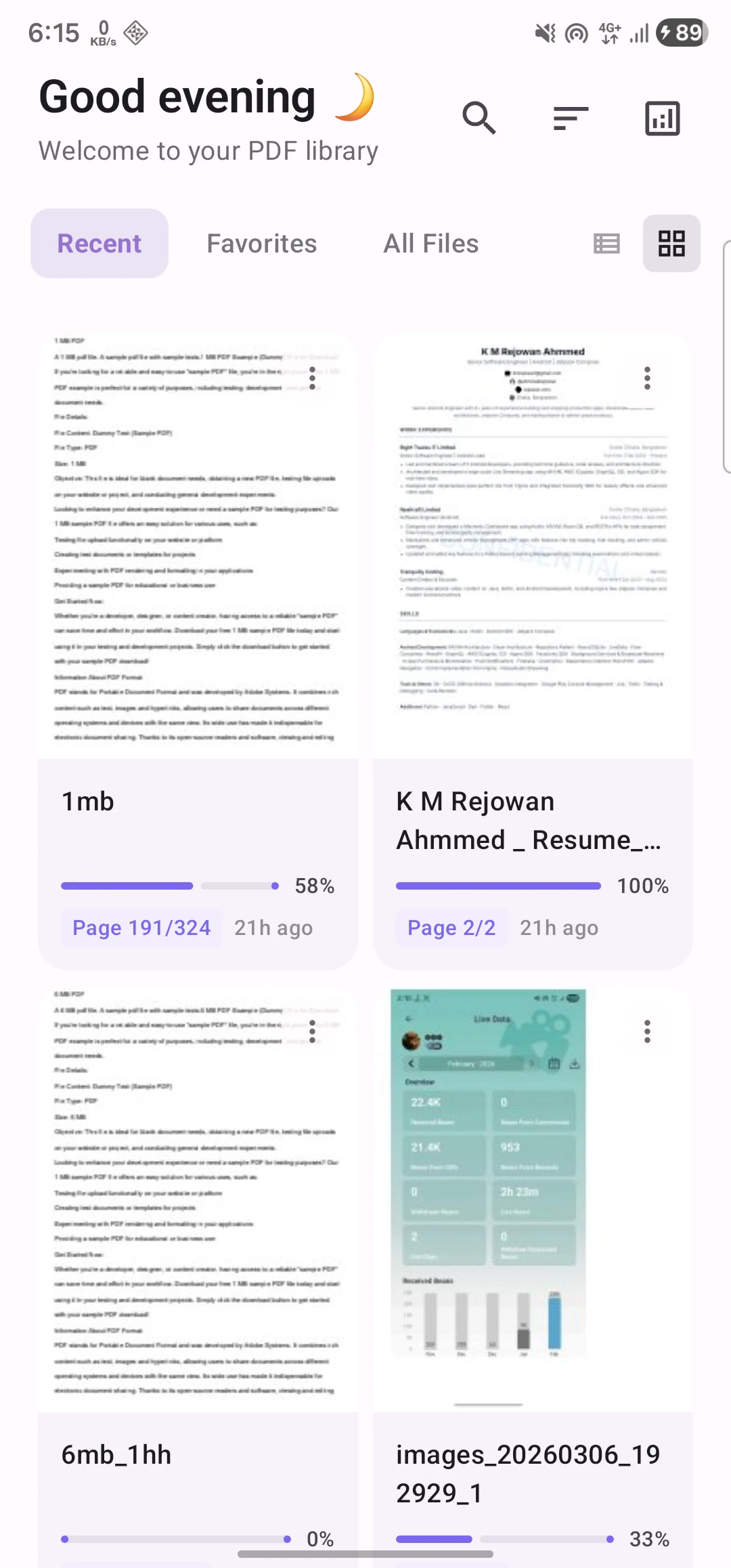
- Recent & Favorites - Quick access to your files
- Material 3 Design - Modern UI with dark mode and dynamic colors
- 100% Offline - Complete privacy, no ads, no tracking

You can download the latest APK from here

Check out the releases section for more details.

| Shots | Shots | Shots |
|---|---|---|
 |
 |
 |
 |
 |
 |
 |
 |
 |
 |
 |
 |
 |
 |
 |
 |
 |
 |
 |
 |
 |
 |
 |
 |
 |
 |
 |
PDF Reader Pro follows Clean Architecture principles with MVVM pattern:
app/
├── data/                      # Data layer
│   ├── local/
│   │   ├── database/          # Room database
│   │   └── preferences/       # DataStore preferences
│   └── repository/            # Repository implementations
│
├── domain/                    # Domain layer
│   ├── model/                 # Domain models
│   └── repository/            # Repository interfaces
│
├── presentation/              # Presentation layer (UI)
│   ├── components/            # Reusable Compose components
│   ├── navigation/            # Navigation graph
│   ├── screens/               # UI screens
│   │   ├── home/              # Home with file browser
│   │   ├── reader/            # PDF reader
│   │   ├── tools/             # PDF tools
│   │   └── settings/          # Settings
│   └── theme/                 # Material 3 theming
│
├── di/                        # Koin dependency injection
└── util/                      # Utilities
- UI Framework: Jetpack Compose (100% Compose UI)
- Language: Kotlin (100%)
- Architecture: MVVM + Clean Architecture
- Dependency Injection: Koin
- Database: Room
- Async: Kotlin Coroutines + StateFlow
- Navigation: Jetpack Navigation Compose
- PDF Rendering: Custom PDF.js WebView
- PDF Processing: iText 7
- Image Loading: Coil
- Data Storage: DataStore Preferences
- Minimum SDK: API 24 (Android 7.0 Nougat)
- Target SDK: API 36 (Android 16)
- Compile SDK: API 36
- Gradle: 9.4.0
- AGP: 9.1.0
- Kotlin: 2.3.10
- Java: 21
READ_EXTERNAL_STORAGE/READ_MEDIA_DOCUMENTS- Access PDF filesWRITE_EXTERNAL_STORAGE- Save processed PDFs (Android 9 and below)INTERNET- Optional, only for in-app update checks
Note: This app does not collect or transmit any user data.
To build and run the project, follow these steps:
- Clone the repository:
git clone https://github.com/ahmmedrejowan/PdfReaderPro.git
- Open the project in Android Studio.
- Sync the project with Gradle files.
- Connect your Android device or start an emulator.
- Click on the "Run" button in Android Studio to build and run the app.
# Run unit tests
./gradlew test

# Run instrumented tests
./gradlew connectedAndroidTestContributions are welcome! Please read CONTRIBUTING.md for guidelines.
- Fork the repository
- Create your feature branch (
git checkout -b feature/AmazingFeature) - Commit your changes (
git commit -m 'Add some AmazingFeature') - Push to the branch (
git push origin feature/AmazingFeature) - Open a Pull Request
Copyright (C) 2024-2026 K M Rejowan Ahmmed

This program is free software: you can redistribute it and/or modify
it under the terms of the GNU General Public License as published by
the Free Software Foundation, either version 3 of the License, or
(at your option) any later version.

This program is distributed in the hope that it will be useful,
but WITHOUT ANY WARRANTY; without even the implied warranty of
MERCHANTABILITY or FITNESS FOR A PARTICULAR PURPOSE. See the
GNU General Public License for more details.
Warning This is a copyleft license. Any derivative work must also be open source under the same license.
- Discussions - Ask questions, share ideas
- Issues - Report bugs, request features
- Releases - Download latest versions
K M Rejowan Ahmmed
- GitHub: @ahmmedrejowan
- Email: kmrejowan@gmail.com
- PDF.js - Mozilla's PDF rendering library
- iText - PDF processing library
- Jetpack Compose - Modern Android UI toolkit
- Material Design 3 - Design system
- Koin - Dependency injection framework
- Coil - Image loading library
- Sign documents by drawing, typing or picking an image of your signature, from the reader or Tools
- Signatures are kept per document, managed from one sheet, and written into the file or a copy
- Bangla, Russian, German, Spanish, French, Italian, Portuguese, Turkish, Polish, Irish and Japanese translations (#91, #93, #95, #98)
- Choose the app's language in Settings, on any Android version
- Translators like Google Translate appear in the text selection menu (#78)
- Print progress, and saving a copy without the password
- Crash screen with full details to copy, share or report on GitHub
- Fixed Japanese, Chinese and Korean PDFs that showed an error instead of opening (#89)
- Fixed Document Info crashing in landscape and the page slider covering the menu button (#80, #79)
- Updated core libraries (Kotlin 2.4.20, AGP 9.4.1, Gradle 9.8.0)
- Highlight text in five colours, saved per document (#41)
- Highlights panel with search, colour filter and jump-to-highlight (#41)
- Next/previous navigation between highlights (#41)
- In-PDF search shows how many matches are already highlighted (#41)
- Save a copy with highlights written into the PDF as real annotations (#41)
- Highlights already present in a file are listed and searchable, read only (#41)
- Lock horizontal scroll when zoomed in, saved per document (#74)
- Setting to hide the page slider that appears while scrolling (#54)
- In-PDF search now steps through every match across all pages, with the active match centered (#40)
- Fixed some PDFs failing to open when the file path contained an apostrophe (#57)
- Updated core libraries (Kotlin 2.4.10, AGP 9.2.1, Android SDK 37)
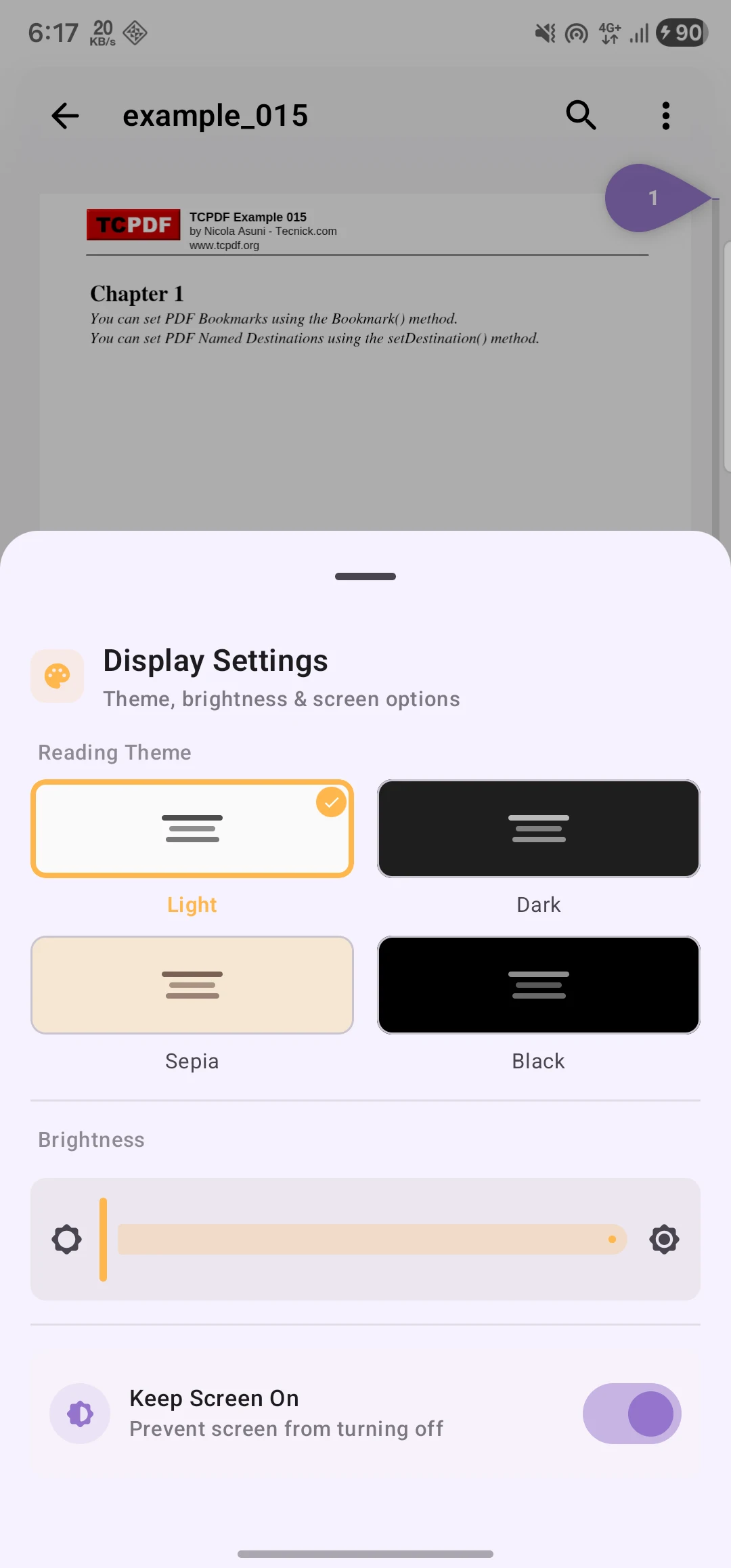
- AMOLED black theme option (Appearance → Theme)
- Customizable double-tap zoom level (1.1×–5×) with slider
- Double-tap now zooms toward the tapped location
- Setting to hide the Tools tab from the bottom navigation
- Remember Password now auto-fills on reopen (#43)
- Larger typography and looser spacing in reader sheets (#44)
- Reader chrome and home nav now properly follow the selected app theme
- F-Droid build compatibility (removed JVM toolchain)
- Fixed build compatibility with standard OpenJDK
- F-Droid metadata and fastlane structure for app store listing
- Horizontal page scrubber for horizontal scroll mode
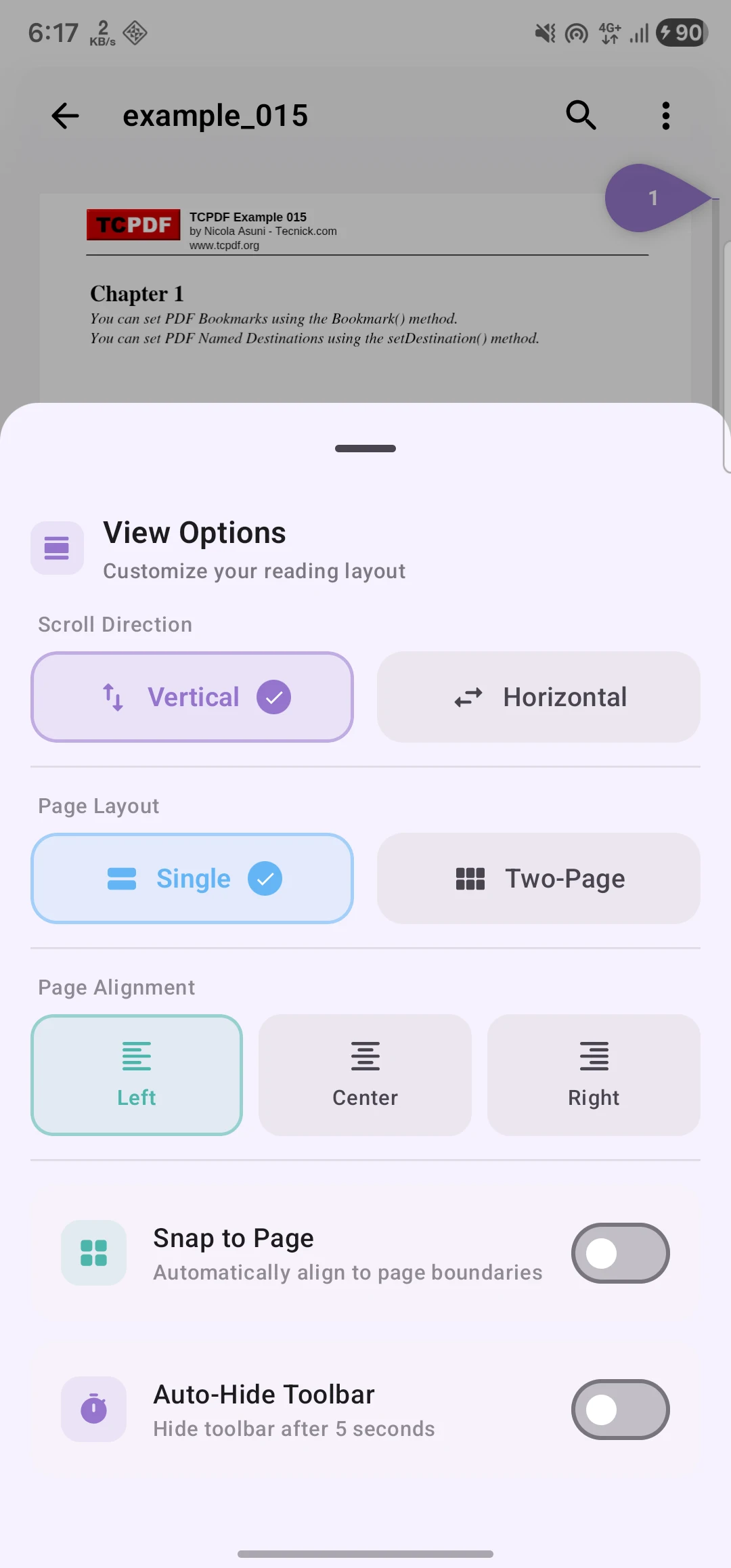
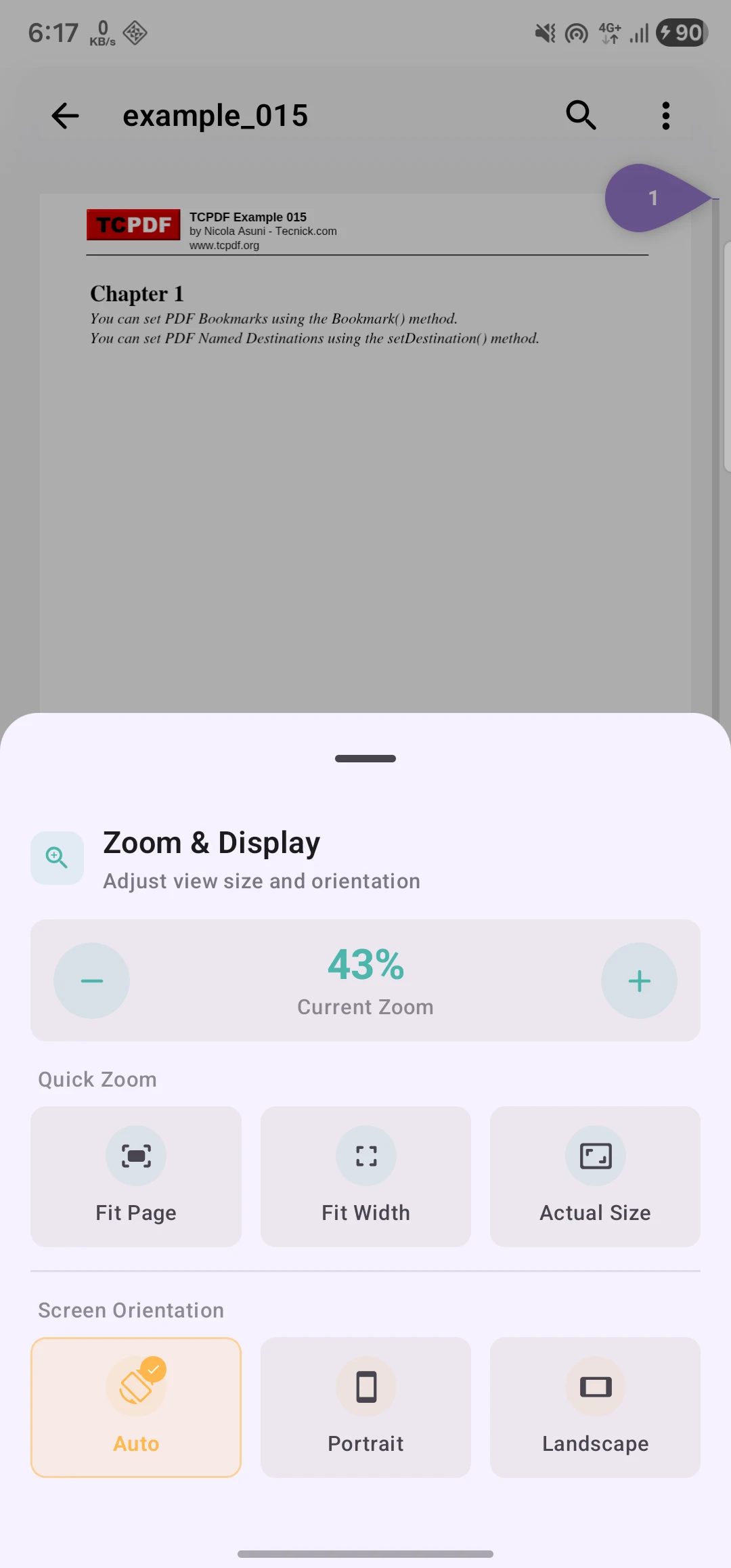
- Global settings for snap-to-pages and screen orientation
- Simplified view mode options
- Complete UI rewrite with Jetpack Compose and Material 3
- 12 PDF tools (merge, split, compress, rotate, and more)
- Enhanced reader with auto-scroll, bookmarks, and night mode
- Clean Architecture with MVVM
- Custom PDF.js-based rendering engine
- 100% Kotlin, 100% offline
See CHANGELOG.md for full version history.