
 Market Landing Market Landing |
 Shopping Cart Shopping Cart |
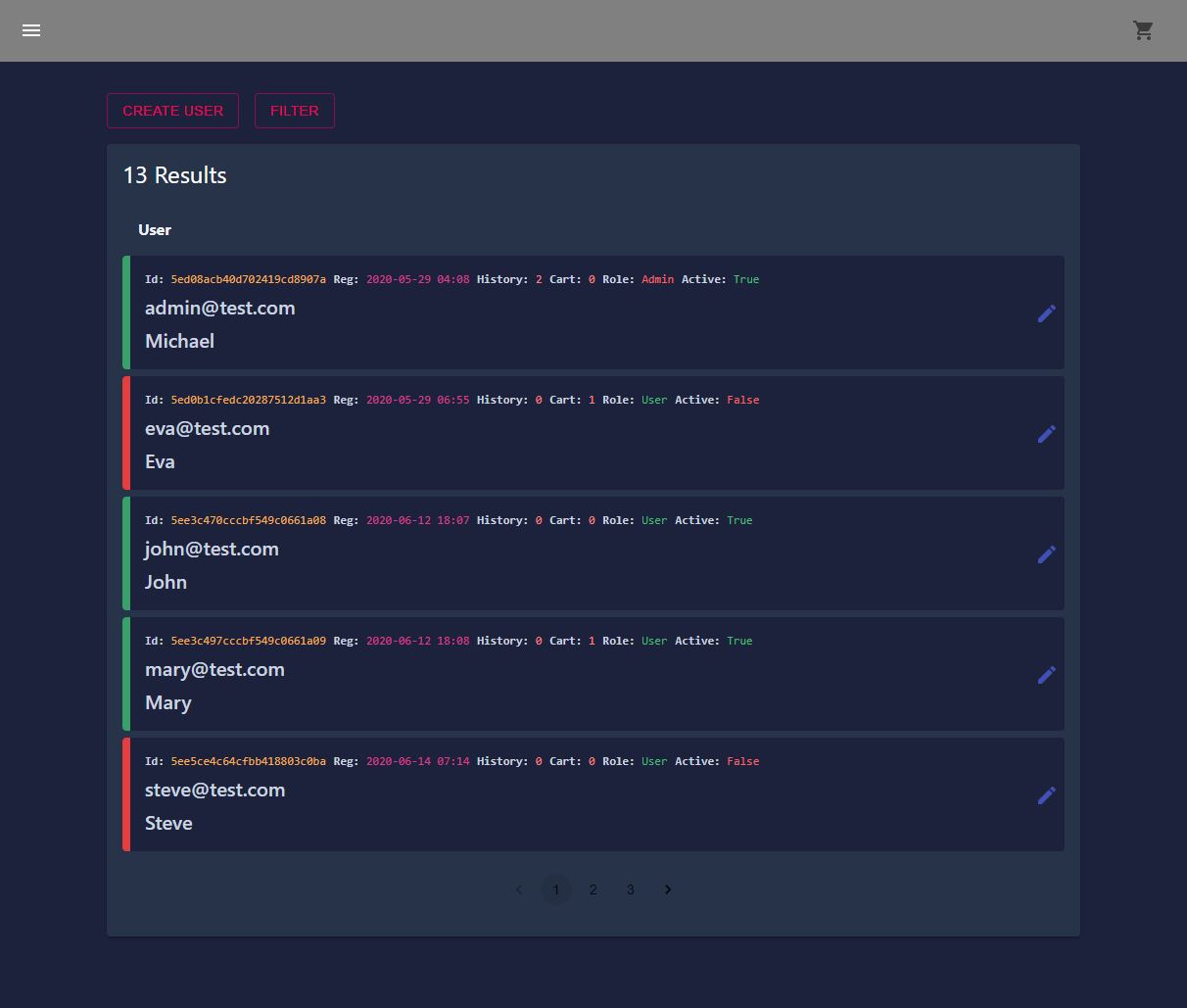 Users Control Panel Users Control Panel |
First step is to install the dependencies
Server Path: /mern-ecommerce
$ npm install
Client Path: /mern-ecommerce/client
$ npm install
Also you need to cretae your own config.env file in /mern-ecommerce/config, here are the contents you need to have in
config.env /mern-ecommerce/config/config.env
NODE_ENV= <development | production>
PORT= <Port you want>
MONGO_URI= <Your MongoDB uri>
PAYPAL_CLIENT_ID= <Your Paypal Client ID>
ACCESS_JWT_TOKEN_SECRET=<Your Access Token Secert>
REFRESH_JWT_TOKEN_SECRET=<Your Refresh Token Secert>
After that you need to return to /mern-ecommerce to start both server and client by typing $ npm run dev .
Role
	|- Admin
		|- MyAccount
			|- Cart
			|- History
			|- Profile
			|- Logout
		|- Dashboard
			|- ProductsControlPanel
			|- UsersControlPanel
	|- User
		|- MyAccount
			|- Cart
			|- History
			|- Profile
			|- Logout
	|- Guest
		|- SIGN UP
		|- SIGN IN
- OAuth 2.0, JWT token, RESTful API, MVC Pattern, NodeJS, TypeScript
- Frontend: React.js, React Hooks, Redux, Responsive
- Backend: MongoDB Atlas, Express.js
- CSS Framework / UI: Tailwind CSS, Material-UI
- This project is a pratice for me to learn modern framework and webapp.